Best DDoS-Protected VPS in 2026: 6 Providers Compared on Mitigation Capacity, Price, and What Is Actually Included


Many VPS providers advertise DDoS protection as part of their hosting plans. But the level of protection varies considerably. Some filter malicious traffic automatically before it reaches your server. Others reroute traffic only after detecting an attack, while some may block all traffic to your IP until the attack ends. Protection can also come with limits, such as a fixed mitigation capacity or no coverage for application-layer attacks. We compared six DDoS-protected VPS providers based on each of these factors.
How VPS DDoS protection works
A distributed denial-of-service (DDoS) attack floods your server with traffic from multiple sources, making it difficult or impossible for legitimate visitors to access your website or application.
Hosting providers use different methods to filter this traffic and protect your network:
Edge filtering. Routers at the edge of the hosting network inspect incoming traffic and drop suspicious packets before they reach your VPS.
Traffic scrubbing. During an attack, the provider redirects traffic through filtering equipment. It removes malicious requests and forwards legitimate traffic to your server.
Null routing. The provider stops routing traffic to your IP address entirely. This protects its wider network, but your VPS becomes unreachable until the block is removed.
Layer 7 protection. These attacks target applications rather than simply flooding network connections. For example, an attacker can send thousands of HTTP requests that resemble normal website visits. Stopping them usually requires a web application firewall (WAF), rate limiting, or a proxy such as Cloudflare.
Your VPS provider's DDoS protection mainly protects the network connection. You still need to secure your website, API, and server software against application-level attacks.
What to check before you buy a DDoS-protected VPS
Check these five things to understand what happens when someone actually attacks your server.
Mitigation capacity. Look for a figure in Gbps or Tbps. Check whether it applies to one server, one data center, or the provider's entire network. A shared 3,500 Gbps filtering pool is not the same as 3,500 Gbps dedicated to your VPS.
Always-on or on-demand filtering. Always-on protection monitors traffic continuously. On-demand protection redirects traffic after detecting an attack, which can leave a short window before filtering begins.
Layer 7 coverage. Network protection does not automatically stop HTTP floods. Check whether your provider covers application attacks and whether its SLA excludes them.
What happens when protection is overwhelmed. Some providers may null route your IP if an attack exceeds their filtering capacity. This means your server goes offline, even if the rest of the hosting network remains available.
Additional charges. Check whether protection is included, charged per IP, or billed per VPS. A $5 server can become a $15 server once you add protection.
A quick scorecard of 6 DDoS-protected VPS providers
| Provider | Entry price with protection | Stated mitigation capacity | Filtering | Extra cost |
|---|---|---|---|---|
| BearHost | $5.49/mo | Not disclosed | Always-on detection: mitigation within seconds | None, included on every VPS |
| OVHcloud | $5.35/mo; $4.54/mo with a 12-month prepayment | 17 Tbps in shared network capacity (exact Gbps per VPS not disclosed) | Always on | None, included |
| BuyVM | $6.50/mo | 3,500 Gbps+, shared filtering pool | Always on | $3 per protected IPv4 |
| Hetzner Cloud | €6.49/mo, excluding VAT | Not disclosed | Continuous detection and automatic filtering | None, included |
| Vultr | From $15/mo, including protection | 10 Gbps per instance | Activated on detection, 60-second lag time | $10/mo per instance |
| Contabo | $5.28/mo, 24-month rate | Not disclosed | Always on | None, included |
To help streamline your decision-making
- Choose BearHost if you want DDoS protection included with every VPS plan, with no separate charge for a protected IP. You also get dedicated IPv4, AMD EPYC processors, NVMe storage, and Linux or Windows Server options at the same price.
- Consider OVHcloud if you expect high traffic and want predictable bandwidth costs.
- Consider BuyVM if you want an affordable VPS with the option to add a protected IP for $3 per month.
- Consider Hetzner, Vultr, and Contabo if their server configurations and pricing better match your needs. Hetzner includes a cloud firewall, Vultr offers an optional protection add-on, and Contabo includes DDoS protection with its VPS plans.
Let's get to the list.
1. BearHost: DDoS mitigation included on every plan, Linux or Windows
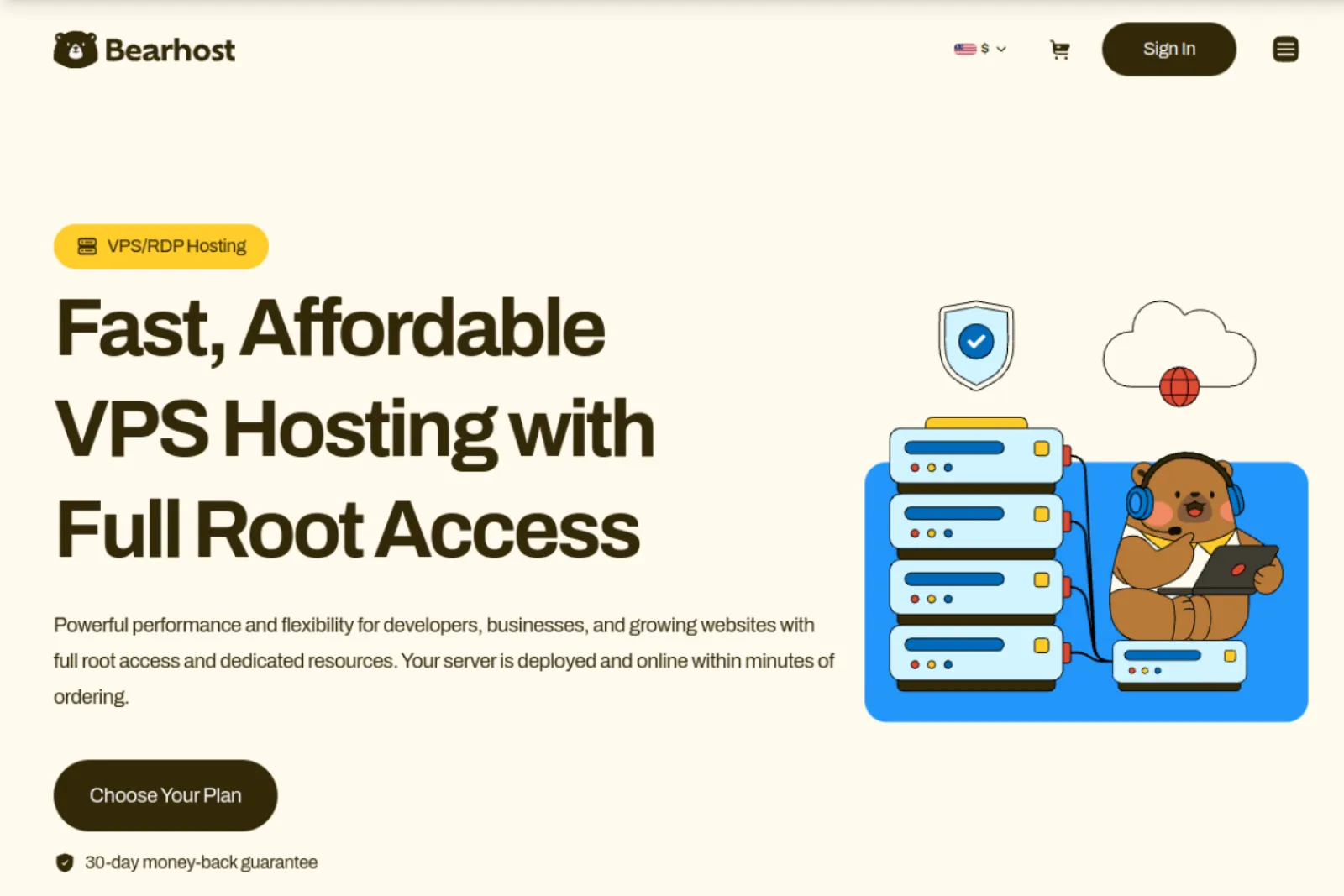
BearHost VPS hosting includes network-level DDoS mitigation on every VPS, including the offshore VPS range. There is nothing to switch on and no protected IP to buy.
Every plan has AMD EPYC 7763 CPUs, KVM virtualization, NVMe storage, a 1 Gbps port with 20 TB of monthly bandwidth, and one dedicated IPv4. Linux and Windows Server 2019 or 2022 cost the same, and so does renewal.
BearHost VPS plans
| Plan | vCPU | RAM | NVMe | Monthly price |
|---|---|---|---|---|
| VPS Cub | 1 | 2 GB | 20 GB | $5.49 |
| VPS Bear | 2 | 4 GB | 40 GB | $9.49 |
| VPS Grizzly | 4 | 8 GB | 80 GB | $16.99 |
| VPS Kodiak | 6 | 16 GB | 160 GB | $32.99 |
BearHost also provides a 99.9% monthly uptime guarantee. The main drawback is that all ports are open by default, except VNC ports 5900 to 5999. You'll need to configure your own server firewall. The server security hardening guide walks you through the process.
Best for: You want a monthly Linux or Windows VPS with DDoS protection included, predictable renewal pricing, and the freedom to configure your own firewall.
2. OVHcloud: the most detailed public figures
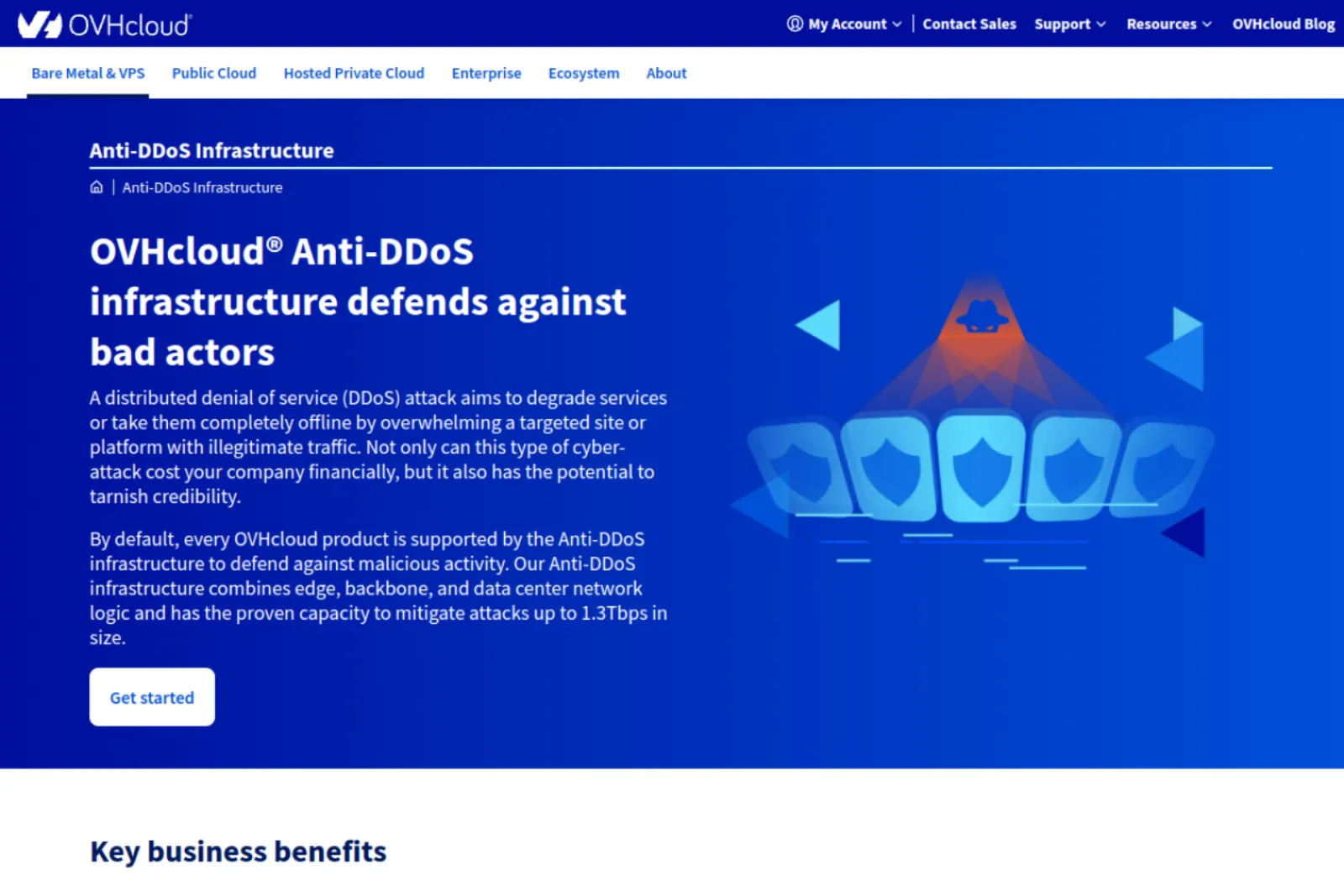
OVHcloud VPS includes automatic DDoS protection on every plan. Detection runs continuously, and the system automatically filters suspicious traffic when it detects an attack. It has 100 Tbps of global network capacity, while its Anti-DDoS infrastructure has demonstrated the ability to handle attacks exceeding 1.3 Tbps. You don't pay extra for protection or attack traffic.
Pricing starts at $4.54 per month with a 12-month prepayment, or $5.35 per month without a commitment.
The main caveat is the regional traffic allowance. VPS plans in Asia Pacific have monthly quotas instead of unlimited traffic. VPS 1, for example, comes with 500 GB, after which bandwidth drops to 10 Mbps. You'll also want a WAF or CDN to protect against application-level attacks on your website.
Also, OVHcloud's own anti-DDoS page says generic network protection may not be enough against application-layer attacks on web and gaming services. Moreover, it does not say what happens above capacity.
Best if: You want automatic DDoS protection backed by a large network, generous entry-level resources, and daily backups, and you're comfortable paying annually.
3. BuyVM: a large pooled filter for $3 per IP
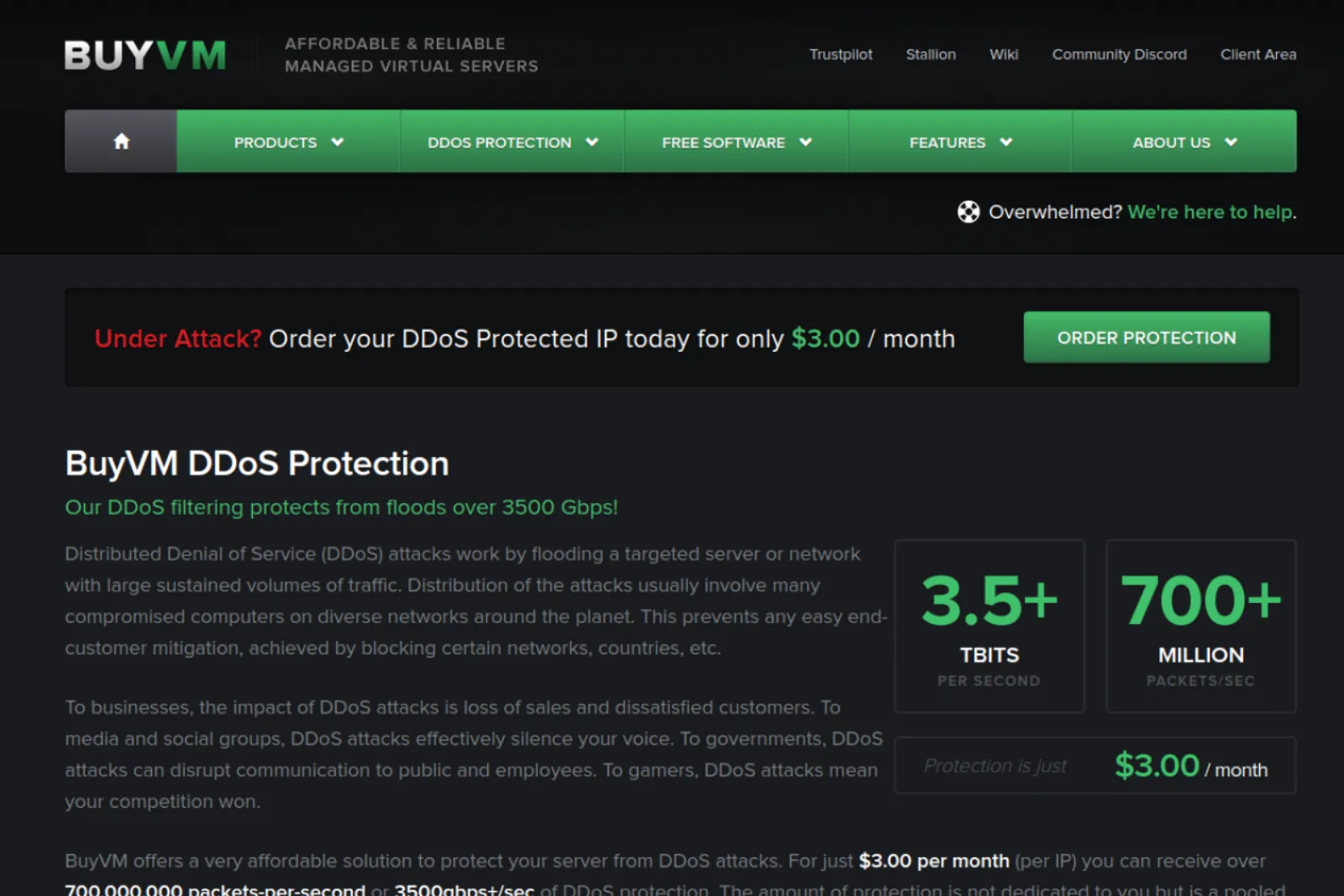
BuyVM sells protection as a filtered IPv4 address at $3.00/mo, bound to one of its KVM slices. It claims over 3,500 Gbps and 700 million packets per second of filtering, as a pool shared by all protected customers in each location.
Filtering is always on, and the covered floods include HTTP GET and POST floods and Slowloris, though some methods need a support ticket. The cheapest monthly slice has 1 core, 1 GB RAM, and 20 GB SSD for $3.50/mo, so a protected server starts at $6.50/mo in Las Vegas, New York, or Luxembourg.
The catch is that BuyVM's 99.9% SLA does not cover downtime from application-layer floods. Stock is also limited, and sold-out slices point you to sister company Cloudzy.
Best for: Game servers, VPNs, and other non-web services that need large always-on filtering for a few dollars a month.
4. Hetzner Cloud: free automatic filtering and free cloud firewalls
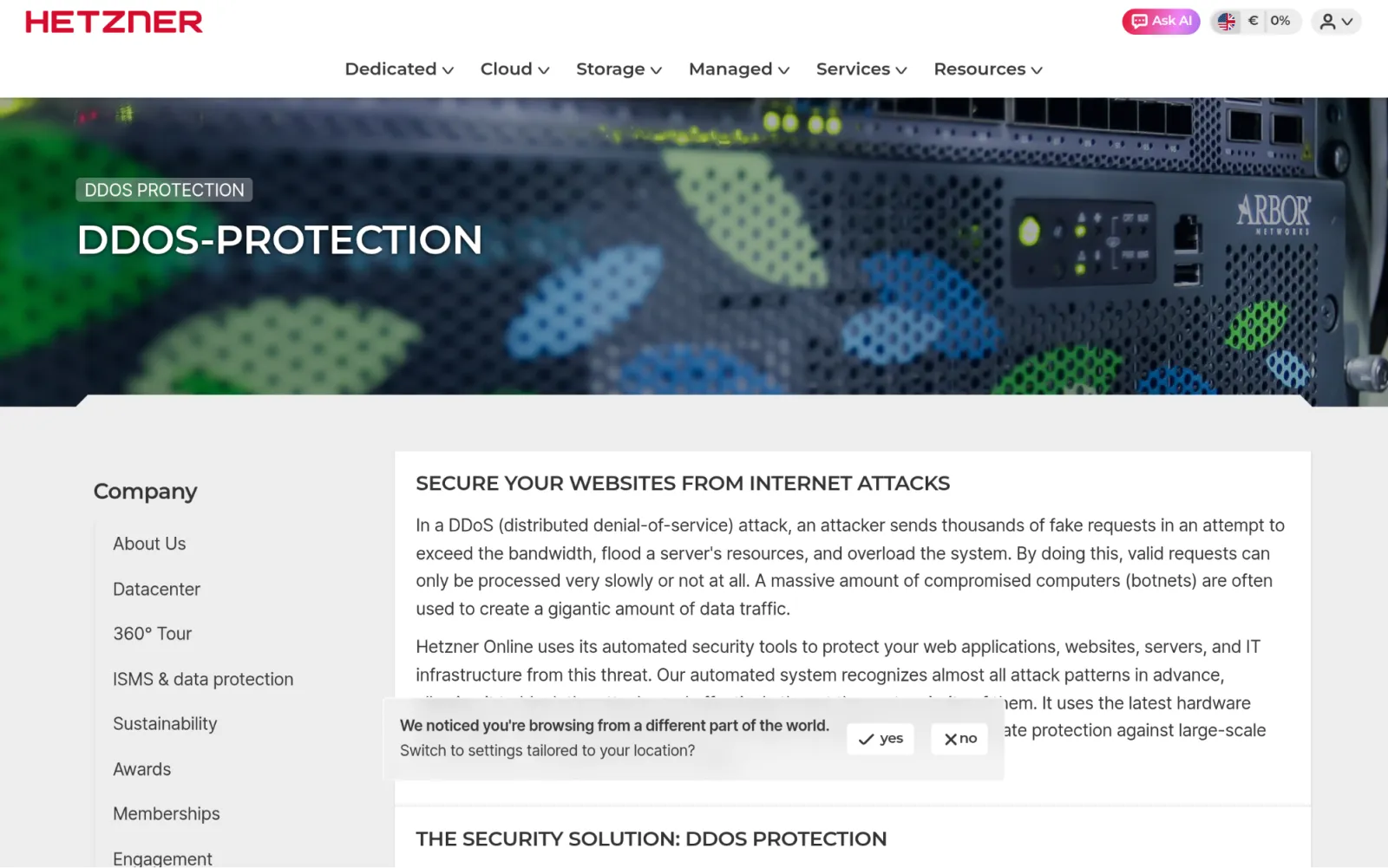
Hetzner includes DDoS protection free for all customers. It uses Arbor and Juniper hardware, detects attacks at all times and filters them automatically, including DNS and NTP reflection, SYN floods, and invalid packets.
Hetzner Cloud also gives you stateful firewalls at no extra cost. A CPX02 with 1 vCPU, 1 GB RAM and 20 GB NVMe costs €6.49/mo excl. VAT, including an IPv4 address, billed hourly with a monthly cap.
The catch is that Hetzner publishes no capacity figure, does not mention layer 7, and says nothing about what happens to your IP above capacity. Also, you configure the firewall. Hetzner provides the controls, but you are responsible for setting the rules and securing the applications running on your server.
Best for: Developers in Europe who want free automatic filtering, network firewalls, and hourly billing.
5. Vultr: a clear 10 Gbps per server, sold as an add-on
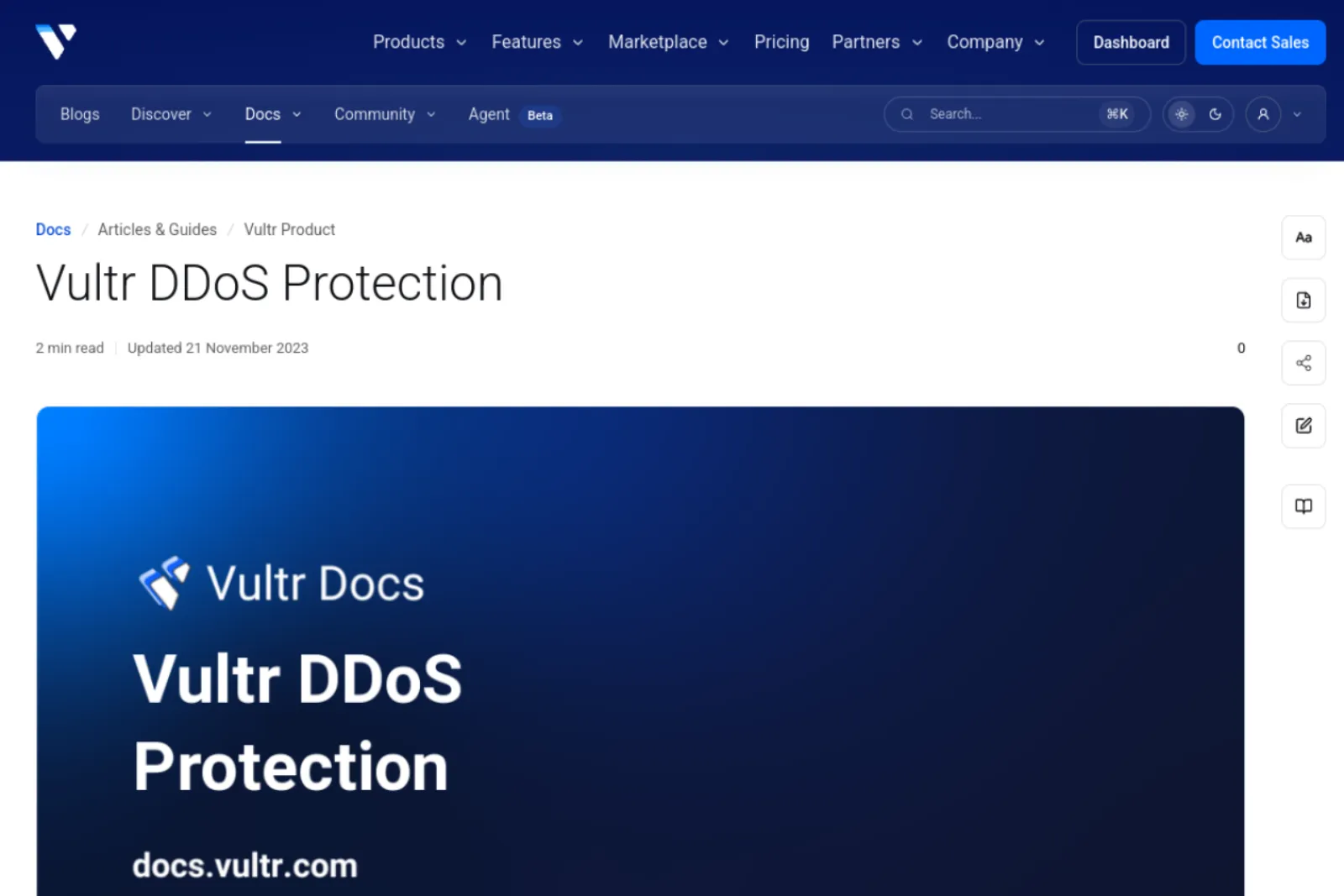
Vultr is unusually specific. Its optional DDoS protection adds 10 Gbps of mitigation capacity per instance and covers every attached IPv4 address, for $10/mo per instance on eligible Compute plans.
Traffic is rerouted to Vultr's mitigation system once an attack is detected, generally within 60 seconds. It covers layer 3 and layer 4 attacks over TCP and UDP, and your server must use Vultr's DNS resolver, 108.61.10.10.
The catch is cost and scope. The fee is a flat $10 per instance, while Vultr's 1 GB Regular Performance plan costs $5.00/mo. Layer 7 is not covered, and nothing is published about attacks above 10 Gbps.
Best for: You already run on Vultr and want a known per-server capacity on the servers that need it.
6. Contabo: lots of RAM per dollar, protection not quantified
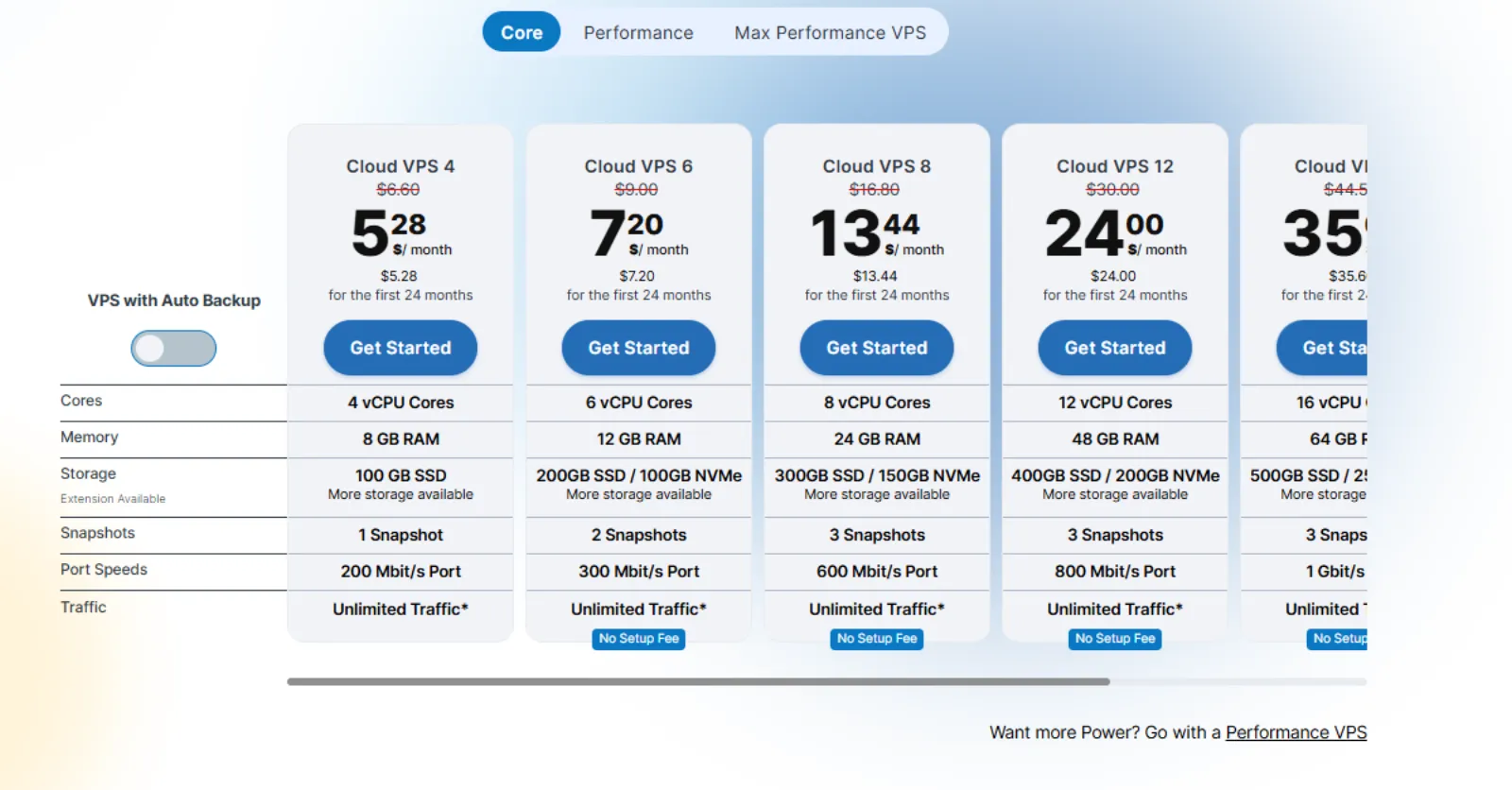
Contabo Cloud VPS includes free DDoS protection and a built-in firewall. Protection activates automatically on every server. Its system detects common DDoS attack patterns and filters incoming traffic before it reaches your VPS.
The Cloud VPS 4 plan comes with 4 vCPU cores, 8 GB RAM, 100 GB SSD storage, and a 200 Mbps port. It costs $5.28 per month for the first 24 months and renews at $6.60 per month. DDoS protection and the built-in firewall are included, while automatic backups are available as a paid add-on.
The main tradeoff is the entry plan's 200 Mbps port, which is relatively modest for a server handling heavy traffic. Contabo also applies a fair usage policy to its traffic allowance and reserves the right to throttle exceptionally high or disruptive usage. Auto-backup costs an extra $2.
Best for: You need plenty of RAM at a low introductory price, don't require a high-speed network port, and are comfortable with a 24-month commitment.
Cheap DDoS-protected VPS: the lowest price and RAM entry
| Provider | Lowest cost with protection | RAM | What to know |
|---|---|---|---|
| OVHcloud | $4.54/mo on 12-month prepay, $5.35/mo monthly | 4 GB | Documented always-on detection |
| Contabo | $5.28/mo ($7.28 if you include auto-backup) | 8 GB | 24-month rate, 200 Mbit/s port |
| BearHost | $5.49/mo | 2 GB | Monthly, same at renewal, Linux or Windows |
| Hetzner Cloud | €6.49/mo excl. VAT | 1 GB | Hourly billing, free firewalls |
| BuyVM | $6.50/mo | 1 GB | $3.50 slice plus $3.00 protected IP |
| Vultr | $10/mo on top of the server | Depends on plan | Add-on, eligible Compute plans |
OVHcloud and Contabo give you the most RAM for the money, but their lowest prices assume a 12-month or 24-month term. BearHost has less RAM at the entry price, but bills monthly, keeps the same price at renewal, and charges the Linux price for Windows. See every plan on our cheap VPS hosting page.
What makes a VPS secure beyond DDoS protection
DDoS filtering keeps your server reachable. It does nothing to protect against a weak password, an unpatched package, or a deleted database.
So, here are other things to look out for or implement:
KVM isolation. Full virtualization gives your server its own kernel, separate from other customers. Check the virtualization type on any host you consider.
A firewall. Deny incoming traffic by default and open only the ports you use.
SSH keys. Turn off password logins and direct root login.
Patching. Turn on automatic security updates.
Backups. Keep at least one copy off the server. BearHost offers snapshots from the control panel and daily backups for $4.99/mo.
If you'd rather hand this work over, BearHost's managed VPS hosting covers OS patching, firewall, fail2ban, SSH hardening, and daily off-site backups, and you keep root.
How to add layer 7 protection with Cloudflare and harden your VPS, step by step
For a website or API, a proxy in front of the VPS absorbs HTTP floods that network filters miss. Here's how to add that layer of protection:
1. Put your domain on Cloudflare. The Free plan costs $0 and includes unmetered DDoS protection, a web application firewall, and a free managed ruleset. Switch your nameservers to the ones Cloudflare gives you.
2. Proxy your web records. Set the A records that point to your VPS to proxied. Cloudflare proxies HTTP and HTTPS ports such as 80, 443, 8080, and 8443. SSH and game ports are not proxied; covering every TCP and UDP port requires Spectrum on the Enterprise plan.
3. Encrypt the origin. Install a Cloudflare Origin CA certificate on the server and set SSL mode to Full (strict).
4. Accept web traffic only from Cloudflare. Open ports 80 and 443 only to Cloudflare's published IP ranges, as Cloudflare recommends, so nobody can bypass the proxy.
5. Add a rate limit. The Free plan includes one rate limiting rule. Put it on your login page or busiest API endpoint.
6. Lock down SSH. Set UFW to deny incoming by default, allow only SSH and the web ports, use key-only logins, and add a fail2ban jail for SSH. The hardening guide linked above has the commands.
7. Patch and back up. Turn on unattended upgrades and keep a backup off the server.
Frequently Asked Questions
Conclusion
The best choice depends on the resources you need, the type of traffic you handle, and how much you want to spend on protection. OVHcloud stands out for its documented network capacity and automatic protection. BuyVM offers a large shared filtering pool with a $3 monthly protected IP add-on. Hetzner combines automatic filtering with a free cloud firewall, while Vultr gives you a clearly defined 10 Gbps protection option for $10 per instance. Contabo is worth considering when you need plenty of RAM at a low introductory price. BearHost is a straightforward and affordable option. Every VPS includes network-level DDoS protection, with Linux and Windows Server available at the same price. Plans start at $5.49 per month, with no increase at renewal. For more options, see our best VPS hosting list and NVMe VPS comparison. Ready for a DDoS-protected VPS? Explore BearHost VPS plans.