AI Agent Hosting in 2026: 7 Ways to Run Agents 24/7, Compared on Price, Control, and Setup

AI agents can monitor inboxes, update records, browse websites, and run scheduled tasks without someone prompting them each time. To do that reliably, they need hosting that keeps the agent running, preserves its data, and allows it to connect to tools and model APIs. In this article, we'll review seven of the best AI agent hosting providers based on their cloud services, VPS options, price, setup, and control.
Three ways to host an AI agent
The seven providers in this comparison fall into three groups.
Serverless or PaaS. Railway, Render, Cloud Run, and Fly.io let you deploy your own code without managing a VPS. You pay based on usage, instance size, or runtime. Some services also stop running when they have been idle for a while. This works well for agents that only need to respond when a request comes in.
Managed agent hosting. BearHost sets up and runs an application such as OpenClaw or n8n for you. You get a working instance without handling the installation and server configuration yourself. SSL, backups, and other maintenance may also be included, depending on the plan.
Your own VPS. You rent a server and decide what runs on it. You can install LangGraph, CrewAI, Docker, a headless browser, or whatever else your agent needs. The server runs throughout the month, but security, updates, and backups are your responsibility unless you use managed hosting.
For agents that need to stay active around the clock, managed hosting and a VPS are usually better choices. You can also use a PaaS, but check its sleep settings and request limits first. New to these tools? Read what OpenClaw is or our explainer on managed n8n hosting.
What to look for in an AI agent hosting platform
Here are five things worth checking before you choose a provider.
Always-on versus cold starts and timeouts. A scheduled agent needs to be running when its task is due. You should also check whether the platform scales idle instances down to zero. Crypto trading bots have similar requirements because they may need to monitor activity continuously.
Persistent storage and memory. Your agent may need to save conversations, files, and other information between restarts. Cloud Run uses an in-memory filesystem, Fly.io's root filesystem is temporary, and Render requires a persistent disk or database to retain data after a restart. Check what storage is included and whether you pay extra for it.
Secrets and API key handling. Your OpenAI or Anthropic API key should not be stored directly in your application code or a public repository. Look for support for environment variables or a secrets manager, and check how easily you can replace compromised keys.
Data location and privacy. Check where the server stores your agent's files, conversation history, and logs. Also consider where the model provider processes your prompts. When your agent uses a hosted model through an API, it sends the relevant prompts and data to that provider. Running a local model avoids sending those prompts to an external model API.
Cost at steady load. Per-second billing can be cheap when your agent runs occasionally, but costs can add up when it stays active throughout the month. Compare the cost of running your chosen configuration for 30 days, including storage and other usage charges. A flat monthly VPS price, as offered by BearHost, is easier to budget for.
A quick scorecard of 7 AI agent hosting options
| Option | Starting price | Always on | Persistent storage | Setup effort | Best for |
|---|---|---|---|---|---|
| BearHost | VPS $5.49/mo, n8n $6.99/mo, OpenClaw $18.99/mo | Yes | Own disk; daily backups on OpenClaw and n8n | Very low | 24/7 agents at a flat monthly price |
| Railway | $5/mo Hobby minimum, then usage | Yes, unless you enable Serverless | Volumes, up to 5 GB on Hobby | Low | Usage-billed side projects |
| Render | $7/mo for 512 MB and 0.5 CPU | Paid instances; Free sleeps after 15 min | Paid persistent disks at $0.25/GB/mo | Low | Fixed-price background workers |
| Google Cloud Run | Free tier, then per second | No by default (minimum instances set to 0) | In-memory filesystem; external storage needed | Medium | Short, request-driven agents |
| Fly.io | $2.19/mo (256 MB) | Only if you keep a Machine running | Volumes at $0.15/GB/mo | Medium | Small, inexpensive Machines |
| Hostinger | $4.99/mo on a 24-month prepayment; renews at $14.99/mo | Yes | Managed storage, backups included | About 60 seconds | Non-technical users |
| DigitalOcean | $4/mo Droplet; $24/mo for the recommended 4 GB OpenClaw setup | Yes, on a Droplet | Droplet SSD; no persistent volumes on App Platform | Medium to high | Teams already on DigitalOcean |
In a nutshell
- Choose BearHost if you want managed OpenClaw or n8n hosting without handling installation and server maintenance, or a VPS you can configure yourself.
- Consider Railway, Render, DigitalOcean, Cloud Run, or Fly.io if you're a developer who prefers deploying your own code and paying based on resource usage.
- Consider Hostinger if you can pay a 24-month upfront commitment for its lowest advertised price.
Let's break down each provider.
1. BearHost: managed OpenClaw, managed n8n, or a plain VPS at flat prices
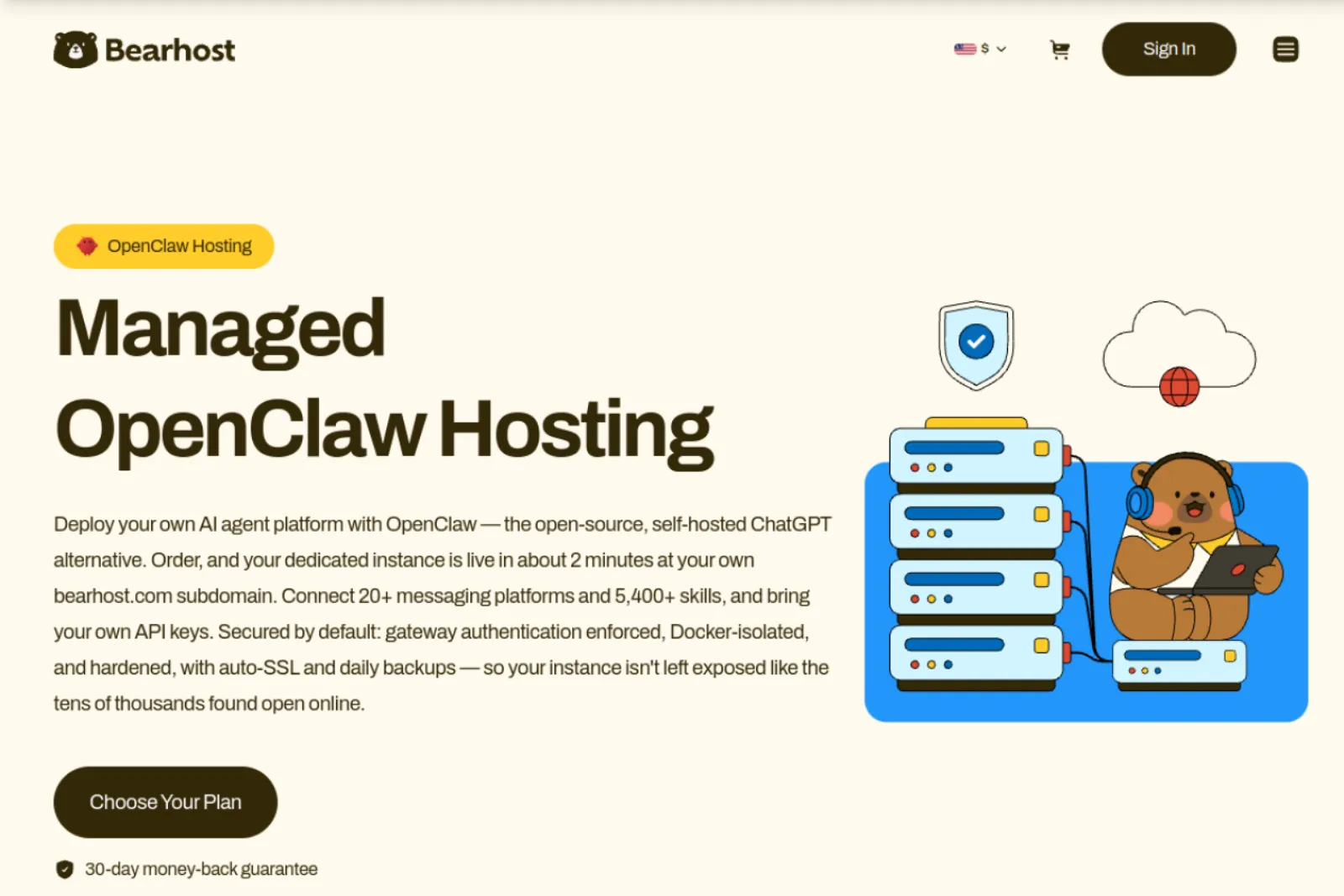
BearHost offers both managed AI agent hosting and your own VPS, with monthly prices starting at $5.49. You can choose between OpenClaw, n8n, or a Linux KVM VPS, depending on how you want to build and run your agents.
Managed OpenClaw is usually ready in about two minutes at your own yourname.openclaw.bearhost.com address. Each instance comes with gateway authentication, Docker isolation on a read-only filesystem, automatic SSL, daily backups, and full SSH access. You bring your own OpenAI or Anthropic API key, or use a local Ollama model. You can also connect more than 20 messaging platforms and access over 5,400 community skills. Browser automation, cron jobs, and webhooks are included.
Managed n8n is another option, particularly for agents built around automated workflows. It comes with unlimited workflows and executions, PostgreSQL 16, automatic SSL, daily backups, and custom domain support. Your instance is usually ready in about five minutes. For custom agent code using tools such as LangGraph or CrewAI, BearHost's Linux KVM VPS gives you root access and lets you install Docker and other software yourself.
BearHost AI agent hosting plans
| Product | Cub | Bear | Grizzly | Ready in |
|---|---|---|---|---|
| Managed OpenClaw | $18.99/mo | $37.99/mo | $69.99/mo | About 2 minutes |
| Managed n8n | $6.99/mo | $11.99/mo | $23.99/mo | About 5 minutes |
| KVM VPS | $5.49/mo | $9.49/mo | $16.99/mo | Instant |
You can pay by card or cryptocurrency. New customers also get a 30-day money-back guarantee on their first purchase.
The main limitation is that BearHost's published OpenClaw and VPS infrastructure does not offer GPU instances.
Best for: You want managed OpenClaw or n8n without handling installation and server maintenance, or a monthly VPS where you can install your own AI agent framework.
2. Railway: usage billing with a $5 Hobby floor
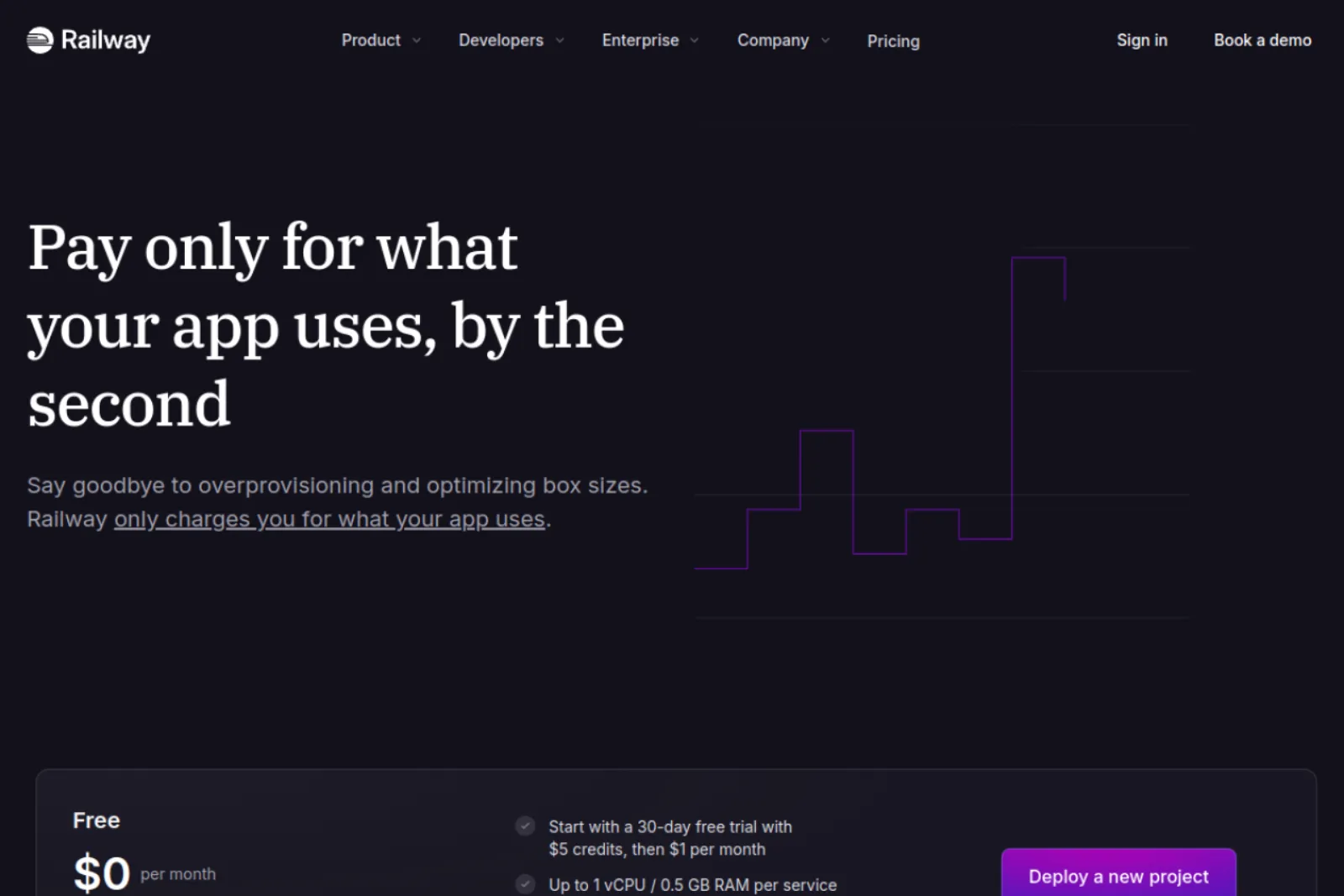
Railway bills compute by the second. Hobby has a $5 monthly minimum that includes $5 of usage. RAM costs $0.00000386 per GB per second, and CPU costs $0.00000772 per vCPU per second.
Sleeping is a per-service Serverless setting. With it enabled, a service sleeps 5 to 10 minutes after its last outbound traffic, and the request that wakes it may get a 502 error. HTTP requests can run up to 15 minutes while data keeps moving, and WebSockets can stay open indefinitely.
The catch is that the bill moves with usage. Memory alone for 1 GB over a 30-day month comes to about $10, double the Hobby credit before CPU is counted. If you want a Railway alternative for hosting AI agents with a fixed bill, a flat-price VPS removes that variable.
Best for: Side projects and prototypes where a bill that changes month to month is fine.
3. Render: fixed instance prices, but the free tier sleeps
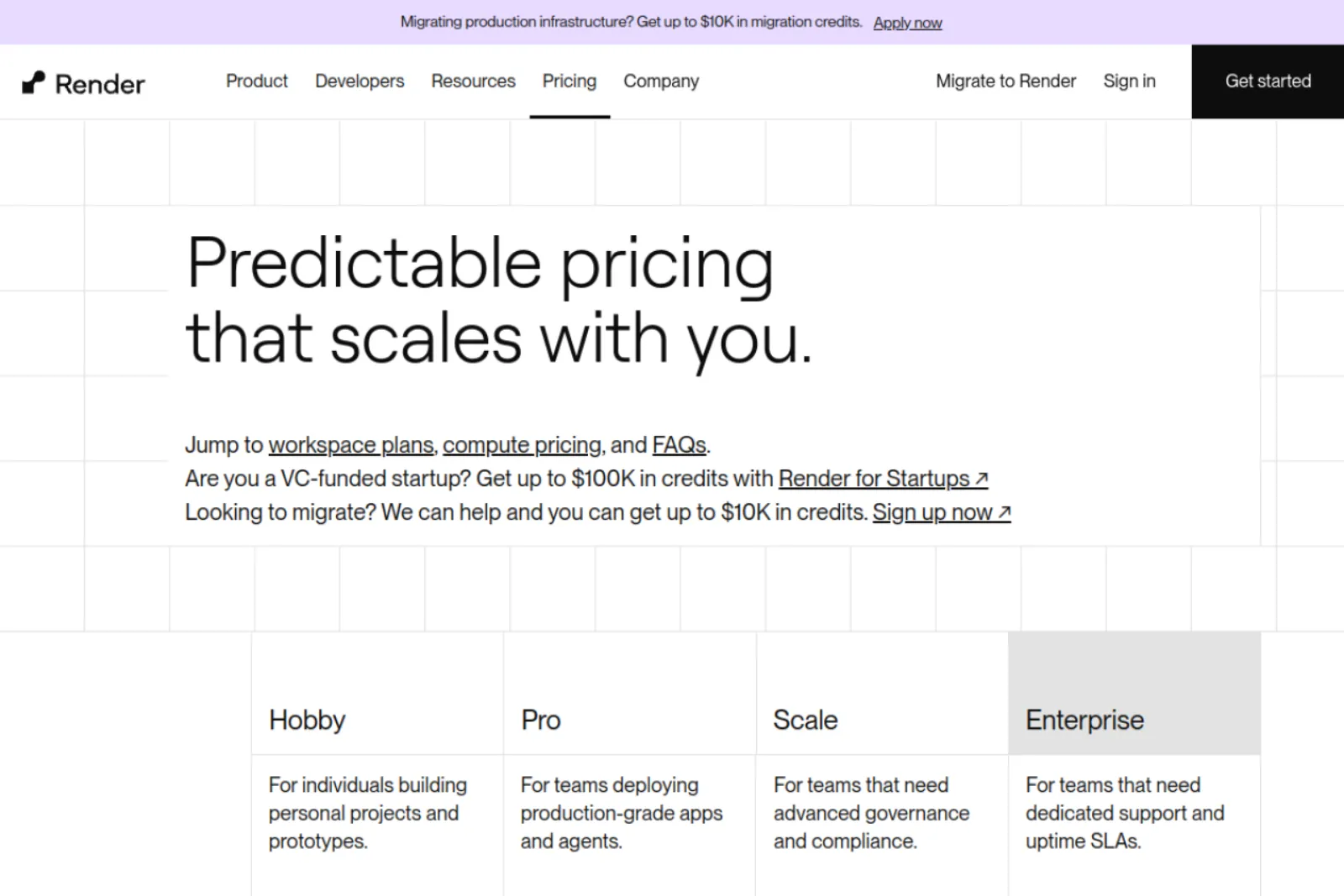
Render offers background workers that can run continuously. Its entry instance costs $7 per month for 512 MB RAM and 0.5 CPU. A larger option with 2 GB RAM and one CPU costs $25 per month. Persistent disks cost an additional $0.25 per GB per month.
The Free web service sleeps after 15 minutes without incoming traffic and takes about a minute to restart. Paid instances do not sleep.
The catch is storage. Render's default filesystem is temporary, so you need a paid disk or external database to preserve agent data. Attaching a persistent disk also prevents zero-downtime deployments and limits the service to one instance.
Best if: You want a background worker at a predictable monthly price and don't mind paying extra for persistent storage.
4. Google Cloud Run: cheap for bursts, built to scale to zero
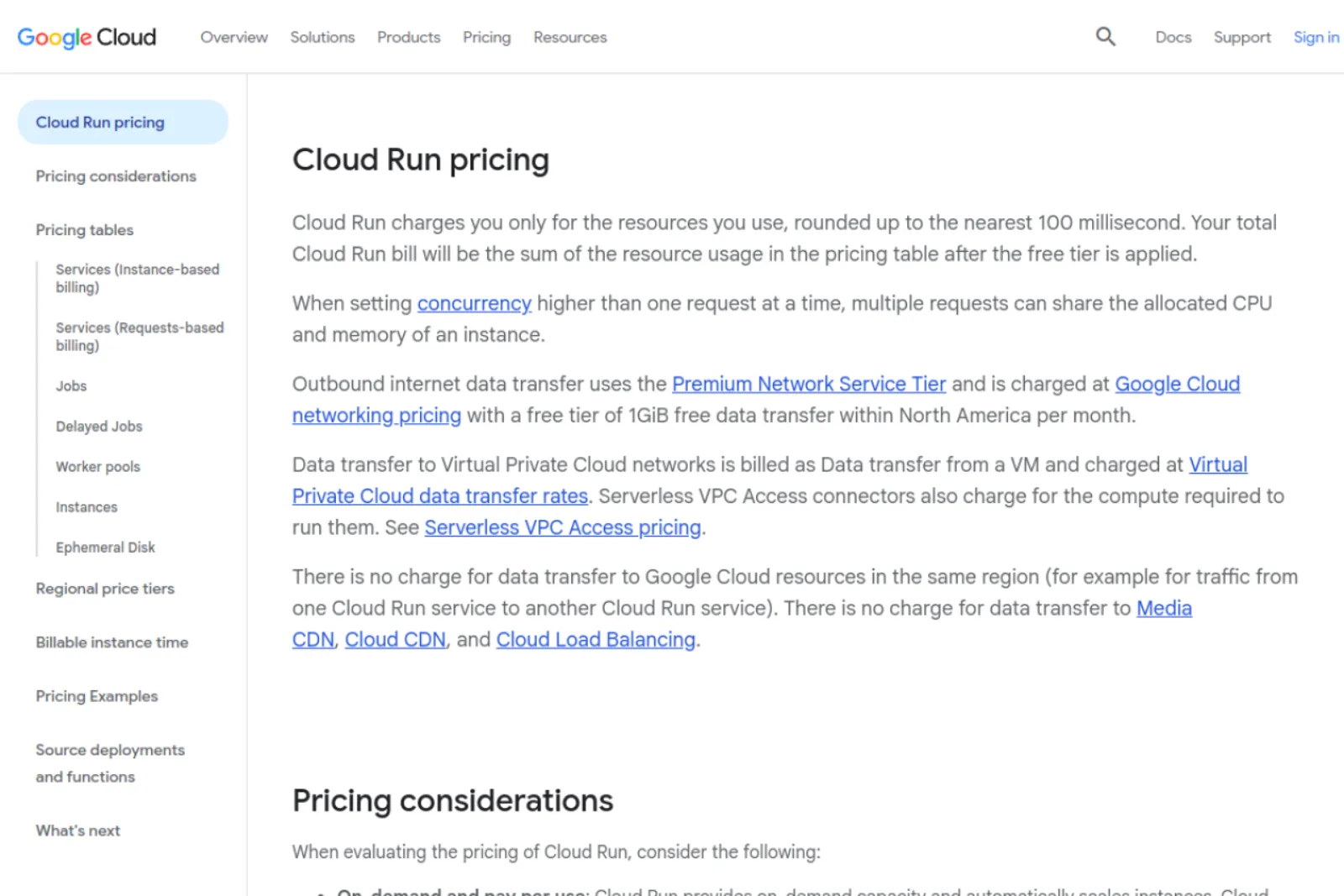
Google Cloud Run charges for the CPU and memory your containers use. Its US Central pricing starts at $0.000018 per vCPU second and $0.000002 per GiB second under instance-based billing. A continuously running instance with one vCPU and 512 MiB RAM costs roughly $44 per month after the applicable free allowances.
Cloud Run scales down to zero instances by default. You can configure minimum instances to keep one ready, but this adds to your bill. Requests time out after five minutes by default, with a maximum of 60 minutes.
The main limitation is that it isn't a traditional always-running VPS. The filesystem is also memory-based, so you'll need an external database or storage service to preserve agent memory and files.
Best if: Event-driven agents that finish within the 60-minute limit, on a team already using Google Cloud.
5. Fly.io: small Machines by the second, with auto-stop on by default
Fly.io offers shared CPU Machines starting at $2.19 per month for 256 MB RAM. A 1 GB shared CPU Machine costs $8.78 per month under its current US pricing. Persistent volumes cost $0.15 per GB per month, while snapshots cost $0.08 per GB.
You can keep a Machine running continuously or configure automatic stopping and starting. Compute is billed by the second while the Machine runs.
The main drawback is that the cheapest configuration has only 256 MB RAM. That's very limited for an agent running alongside browsers and other tools. You'll likely need a larger Machine, and persistent storage adds to the bill.
Best for: Developers who want control over small containerized applications and are comfortable managing storage and Machine settings.
6. Hostinger: managed OpenClaw with AI credits, on a long prepay
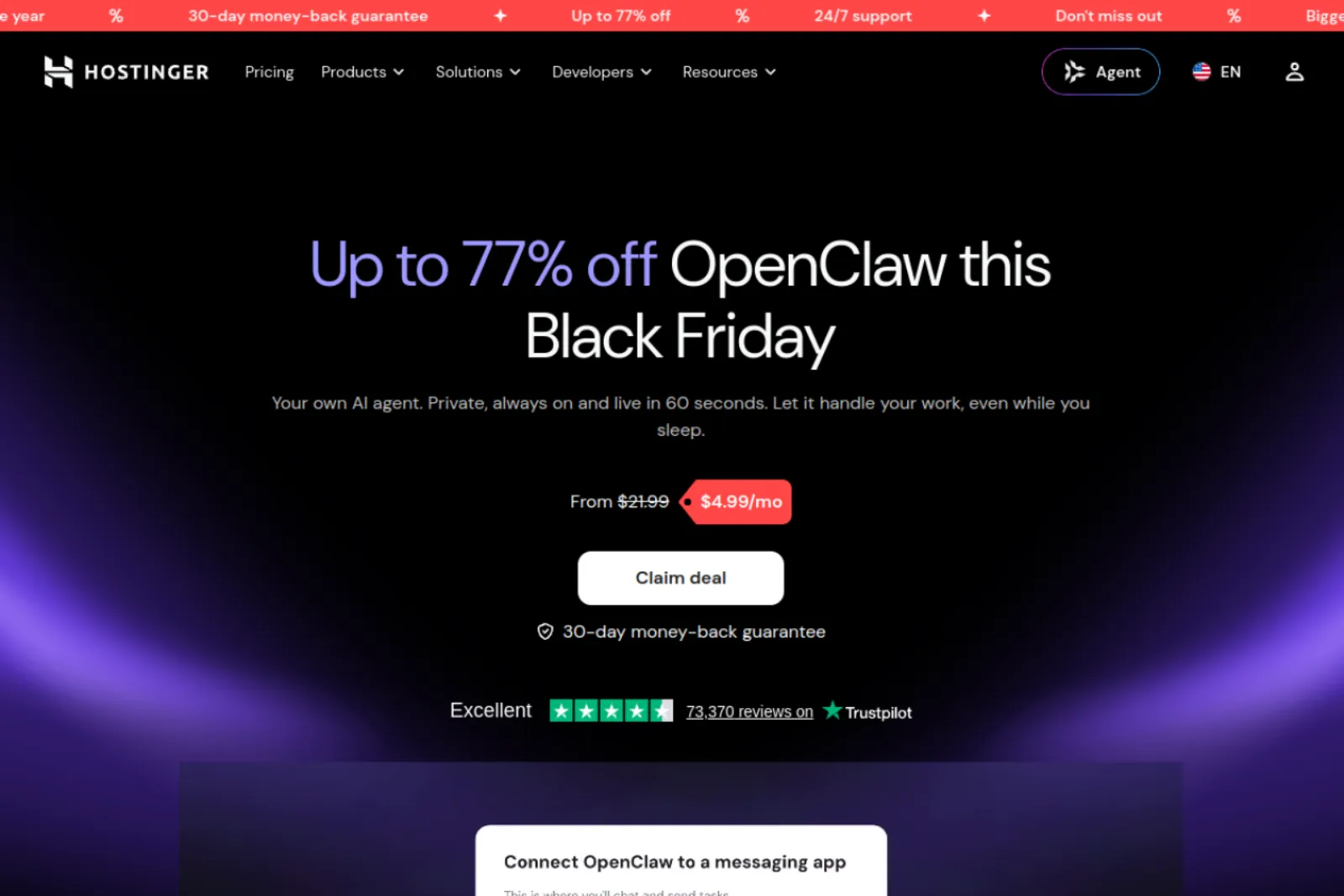
Hostinger Managed OpenClaw gives you a ready-to-use OpenClaw instance without installing or maintaining the application yourself. Its APP 1 plan includes one vCPU, 4 GB RAM, 25 GB NVMe storage, and 2 TB bandwidth. You can use Hostinger's AI Router credits or connect your own OpenAI, Anthropic, xAI, or Gemini API key. Telegram and WhatsApp connections are supported.
The introductory price is $4.99 per month on a 24-month prepayment, meaning $119.76 upfront. Renewal is $14.99 per month.
The main drawback is the upfront commitment and higher renewal price. You'll also need to pay for additional AI usage through your chosen provider or Hostinger's credit system.
Best for: Non-technical users who want an OpenClaw agent with AI credits bundled and don't mind paying for two years upfront.
7. DigitalOcean: a 1-Click OpenClaw Droplet you run yourself
DigitalOcean lets you deploy OpenClaw using its Marketplace 1-Click image. Basic Droplets start at $4 per month for 512 MiB RAM, while the $24 option gives you 4 GB RAM and 2 vCPUs, the recommended starting configuration for personal OpenClaw use. The Marketplace image includes Docker, sandboxed execution, a messaging gateway, and a web interface.
You can choose a US data center and run the agent on your own infrastructure. OpenClaw also supports Anthropic, OpenAI, and local model runtimes.
The catch is that DigitalOcean provides the server, not ongoing application management. You're responsible for maintenance, updates, and backups. OpenClaw's default execution restrictions also require some configuration before the agent can perform tasks such as running commands or accessing external services.
Best for: Developers who want to run OpenClaw on their own cloud server and are comfortable managing its security and configuration.
What it costs to run an AI agent for a month
Here is a worked example assuming your agent makes 300 model calls a day for 30 days, or 9,000 calls. Each call sends 6,000 input tokens (system prompt, tools, memory, and conversation) and gets 500 output tokens back.
This assumption uses Claude Sonnet 5.5, which Anthropic lists at $2 per million input tokens and $10 per million output tokens. There is no prompt caching or batch discount. Hosting is BearHost Managed OpenClaw on the Cub plan.
| Line item | Calculation | Monthly cost |
|---|---|---|
| Input tokens | 9,000 × 6,000 = 54M at $2 per million | $108.00 |
| Output tokens | 9,000 × 500 = 4.5M at $10 per million | $45.00 |
| Hosting | Managed OpenClaw Cub | $18.99 |
| Total | $171.99 |
Monthly cost of a 9,000-call agent on Claude Sonnet 5.5 with BearHost Managed OpenClaw Cub.
Hosting accounts for about 11% of that total. On a $5.49 VPS Cub, the combined cost is $158.49, with hosting accounting for about 3.5%.
The model makes a much bigger difference to your bill than the server. Using Claude Haiku 5.5 for the same calls costs $5.40 for input tokens and $2.25 for output tokens, or $7.65 in total. These rates apply to prompts up to 100,000 tokens.
For workloads that require US-only inference, Anthropic applies a 1.1x multiplier. That brings the Sonnet API cost to $168.30, before hosting.
The cheapest way to deploy an AI agent in production is to use the smallest model that can handle the work, alongside hosting that fits your workload. Our self-hosted vs. managed OpenClaw cost comparison covers the server side.
AI agent hosting for agencies
If you run agents for clients, you need to give each client a separate instance. Separate gateways and credentials are also necessary when clients do not trust each other. Ideally, they should also have separate operating system users or hosts.
| Setup | Isolation | Hosting for 5 clients |
|---|---|---|
| Managed OpenClaw per client (Cub) | Separate gateway, container, and subdomain | $94.95/mo |
| Managed n8n per client (Cub) | Separate instance and PostgreSQL 16 database | $34.95/mo |
| One VPS with separate Compose stacks | Separate containers on one server | From $5.49/mo, depending on resource requirements |
For billing, have each client bring their own API key, or create a separate Workspace for each one in the Claude Console and set an individual monthly spend limit. You can check out our list of OpenClaw use cases when setting up your clients' agents.
How to deploy an AI agent on a VPS, step by step
This is the usual setup for running an AI agent on a VPS, similar to what you'd do to keep a Discord bot online 24/7.
1. Pick a plan and an OS. Ubuntu 24.04 on BearHost VPS Cub (1 vCPU, 2 GB RAM, $5.49/mo) is a reasonable starting point when your agent uses a hosted model. Choose a larger plan if you're running a headless browser or more demanding tools.
2. Install Docker. Connect over SSH with a key, follow our guide to installing Docker on a VPS, and define the agent and its database in one Compose file.
3. Keep secrets in an env file. Put API keys in a .env file that only your user can read (chmod 600). Load it with env_file in Docker Compose, and keep it out of Git and your container image.
4. Set a restart policy. Add restart: unless-stopped so Docker brings the container back after a crash or reboot.
5. Put a reverse proxy in front. Bind the agent to 127.0.0.1 and serve it through Caddy or Nginx on port 443. Caddy handles HTTPS certificates and renewals automatically.
6. Close the other ports. BearHost leaves all ports open by default except the VNC range, so configure the guest firewall yourself. Use UFW to allow only the ports you need, and restrict SSH access to trusted IP addresses.
7. Add monitoring. Point an external uptime check at the HTTPS endpoint and set alerts for unusual daily API spending.
For OpenClaw itself, see our OpenClaw deployment guide.
Security checklist for self-hosted agents
A few settings are worth checking before you let an agent access your accounts, files, and tools.
Gateway authentication. OpenClaw normally binds its Gateway to loopback on a standard host installation. Container images default to an exposed bind, so enable authentication before exposing the service. Run openclaw security audit after configuration changes.
Keep the Gateway private. Put the agent behind a reverse proxy and avoid exposing its Gateway port directly to the internet. Allow public web access through the proxy and restrict SSH to trusted addresses.
Rotate API keys. Use separate keys for different agents or clients. Replace compromised keys and revoke access when someone leaves a project.
Set spending limits. The Claude Console lets you assign monthly spend limits to individual Workspaces, except the Default Workspace. Set these limits before an agent starts making API calls.
Apply patches and keep backups. Install operating system updates and take a backup before upgrading OpenClaw or changing important configurations.
Frequently Asked Questions
Conclusion
All seven options can run an AI agent, but they suit different workloads. Cloud Run and Render's Free tier work better for short, request-driven jobs. Railway and Fly.io suit developers who prefer usage-based billing. Hostinger is worth considering if you want managed OpenClaw and can pay upfront, while DigitalOcean gives you more control over your own cloud server. For managed AI agent hosting at a flat monthly price, BearHost offers OpenClaw from $18.99/mo, n8n from $6.99/mo, and KVM VPS hosting from $5.49/mo. You can pay monthly by card or crypto, and the price stays the same at renewal. Ready to run your agent 24/7? Start with BearHost OpenClaw hosting.