Best VPS for WordPress in 2026: 7 Providers Compared on Managed Support, Renewal Price, and Specs


Your WordPress site throws 503 errors whenever a post gets shared. Pages still take three seconds to load after you add a caching plugin, and your host keeps sending resource limit warnings. These are signs your current hosting plan may be struggling. But moving to a VPS comes with its own costs. Some providers advertise low rates that require a one- or two-year prepayment, then charge much more at renewal. Others look affordable until you add a cPanel license. That's why we compared seven WordPress VPS providers based on server resources, management, control panel costs, and renewal pricing to help you find a server that fits your workload without paying for resources you don't need.
BearHost's VPS Cub ($5.49/mo, 1 vCPU, 2 GB RAM, 20 GB NVMe, dedicated IPv4) is the cheapest entry here, and the price stays the same at renewal whether you run the server yourself or choose managed VPS. Cloudways, InMotion Hosting, and ScalaHosting are the fully managed options, but ScalaHosting and Hostinger more than double at renewal, InMotion needs $1,043.76 upfront, and Cloudways never gives you root. DigitalOcean and OVHcloud are cheap, unmanaged servers for people comfortable with Linux.
Do you need a VPS for WordPress?
Not necessarily. A slow WordPress site does not automatically need a VPS. Before upgrading, check whether caching, image optimization, plugin issues, or database queries are causing the problem, and fix them.
BearHost's WordPress hosting starts at $3.49 per month and includes WordPress pre-installed, free SSL, daily backups, and free migration, with a free domain for the first year on annual WordPress Bear and Grizzly plans. That can be a better starting point for a site that has not outgrown regular hosting.
If a couple of the following signs persist, then you should start considering a switch:
Signs your site has outgrown shared hosting
Recurring server errors. Your site returns 503 errors during traffic spikes, or your host repeatedly warns you about CPU, memory, or other resource limits.
Slow page loading. Pages remain slow after you optimize images, review plugins, and configure caching. Google recommends a Largest Contentful Paint (LCP) of 2.5 seconds or less for a good user experience, although a poor score alone does not mean you need a VPS. See Google's Core Web Vitals guidance.
Problems during transactions. WooCommerce checkouts, customer accounts, or the WordPress admin area become slow when several people use the site at once.
- A VPS gives you dedicated CPU and RAM to handle traffic spikes that a normal WordPress site can't.
Managed or unmanaged VPS for WordPress
A VPS gives you more control over the server, but someone still has to maintain it. Your choice depends on how much of that work you want to handle.
Managed VPS. The provider handles server-level tasks such as operating system updates, security configuration, monitoring, and backups, depending on the package. You can spend more time on WordPress, your content, and your customers. BearHost, InMotion Hosting, and ScalaHosting offer managed VPS options. Cloudways also manages the server environment but doesn't provide root access.
Unmanaged VPS. You get more direct control over the server and are responsible for installing software, applying operating system updates, securing services, and arranging backups. This can reduce your hosting costs, but you need the skills to manage a Linux server or the time to learn.
You can also install a control panel to simplify server management. Hostinger, DigitalOcean, and OVHcloud offer VPS options suited to users who want to manage their own setup. BearHost offers both managed VPS and standard VPS plans, so you can choose between handling the server yourself and having the BearHost team look after the baseline.
The important thing is to compare what each plan actually manages. A provider may monitor server availability without taking responsibility for updates, configuration, or application troubleshooting.
What to look for in a VPS for WordPress
- Before you make a choice, here's what you should check out:
RAM and CPU. Start with the resources your site actually uses. A small blog may run comfortably on 2 GB of RAM, while a busier WordPress site or WooCommerce store may need 4 GB or 8 GB. These are starting points, not guarantees. Uncached traffic, plugins, database activity, and concurrent requests affect how much capacity you need.
NVMe storage. NVMe storage can improve disk access, particularly for database activity and other workloads that read and write frequently. Check the amount included as well as the storage type. You may need extra space for backups, staging copies, media, and logs.
Control panel and license costs. An unmanaged VPS may require you to install and configure your software. A control panel makes routine tasks easier, but its license can add substantially to your bill. A cPanel Solo license currently costs $29.99 per month for one account, while CloudPanel and CyberPanel offer free options. Check which features you need before paying for a panel.
WordPress software support. Check that the server can run a supported software stack. WordPress recommends PHP 8.3 or newer, MySQL 8.0 or newer or MariaDB 10.11 or newer, and HTTPS. You should also have a way to configure PHP, manage the database, and apply security updates.
Backups and renewal pricing. Find out how often backups run, how long they are retained, and whether restoring them costs extra. Then check the renewal rate and any upfront commitment. A plan that looks cheap for the first year may cost more over time than one with a higher but stable monthly price.
A quick scorecard of 7 WordPress VPS providers
| Provider | Entry price and RAM | Renewal | Managed? | Control panel | Best for |
|---|---|---|---|---|---|
| BearHost | $5.49/mo (2 GB), billed monthly | Same $5.49/mo | Managed or unmanaged | Your choice; cPanel and WordPress stacks supported on managed VPS | Root access, managed hosting, same bill in year two |
| Cloudways | $14/mo (1 GB), billed hourly | No intro pricing | Managed, no root | Cloudways dashboard | Hands-off WordPress |
| InMotion Hosting | $43.49/mo (8 GB), 24-mo term | $56.49/mo | Managed | cPanel and WHM included | cPanel users who want full management |
| ScalaHosting | $22.46/mo (4 GB), 12-mo term | $54.95/mo | Managed | SPanel included, cPanel extra | Managed sites without a cPanel bill |
| Hostinger | $6.49/mo (4 GB), 24-mo prepay | $11.99/mo | Self-managed | Free templates, cPanel license extra | Cheap RAM on a two-year plan |
| DigitalOcean | $6/mo (1 GB) | No intro pricing | Unmanaged | None; WordPress 1-Click app | Developers who script servers |
| OVHcloud | $5.35/mo (4 GB), no commitment | No intro pricing | Unmanaged | cPanel or Plesk images | Low-cost RAM if you run Linux |
What the table is saying
- To help you make a choice faster:
- Choose BearHost if you want stable renewal pricing, NVMe storage, and the option to manage your own server or choose managed support. You can also add RAM, CPU, storage, and daily backups as needed.
Cloudways offers managed WordPress tools like staging and Redis caching, while InMotion includes cPanel and WHM with root access.
- Choose ScalaHosting or Hostinger if you're comparing control panel costs against upfront savings. ScalaHosting includes SPanel with managed hosting, while Hostinger gives you 4 GB of RAM at a low introductory rate if you're willing to pay for two years upfront.
DigitalOcean offers per-second billing and flexible server configurations, while OVHcloud bundles daily backups and unlimited traffic with its entry VPS.
- Let's get to the list.
1. BearHost: the same price at renewal, managed or unmanaged
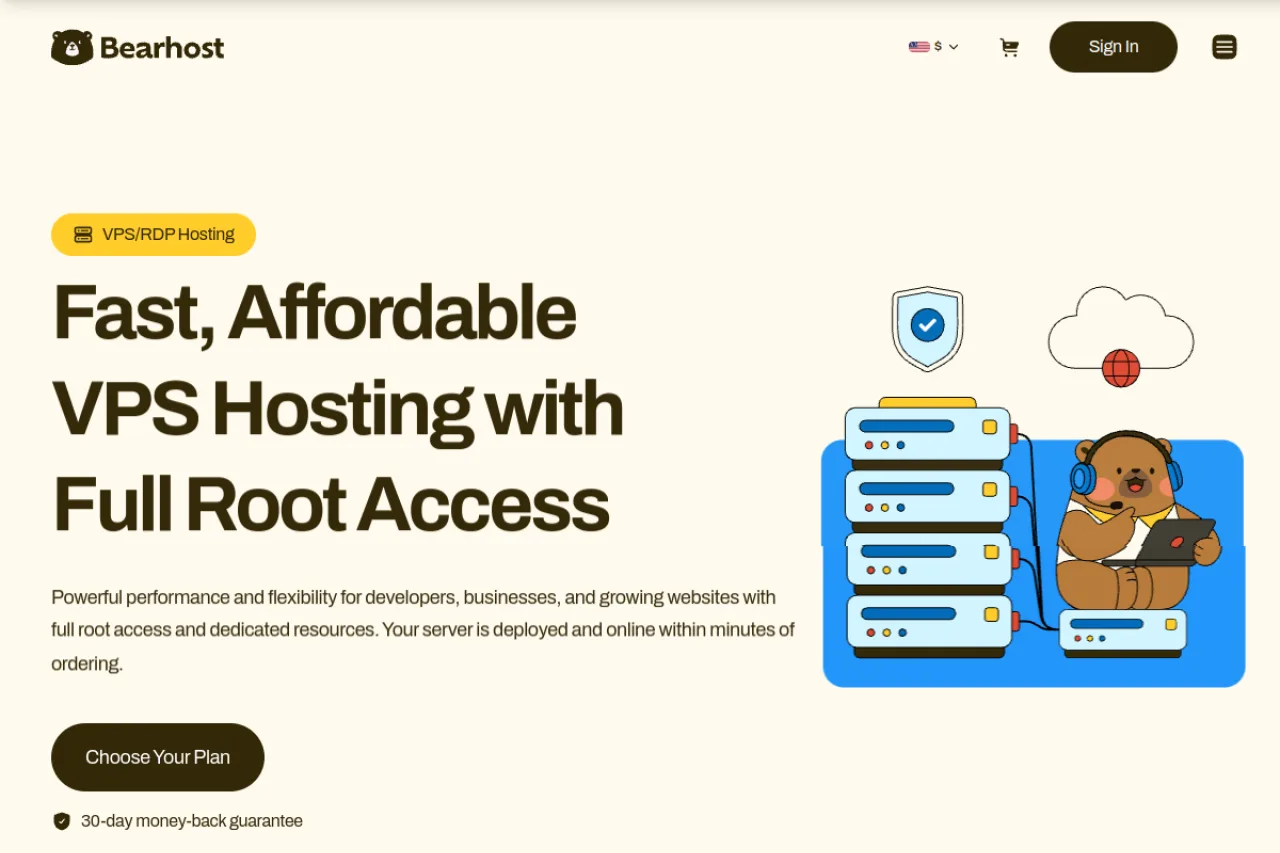
BearHost VPS hosting takes the top spot because you can start small, upgrade as your WordPress site grows, and keep the same monthly price at renewal. Its VPS plans run on AMD EPYC 7763 processors with NVMe storage, a 1 Gbps port, and 20 TB of monthly bandwidth, from data centres in Amsterdam (Netherlands) and Paris (France). Every plan includes a dedicated IPv4 address and full root access, with a 99.9% uptime commitment and a 30-day money-back guarantee. You can pay by card or crypto.
BearHost VPS plans for WordPress
| Plan | vCPU | RAM | NVMe | Price/mo | Good for |
|---|---|---|---|---|---|
| VPS Cub | 1 | 2 GB | 20 GB | $5.49 | One growing blog |
| VPS Bear | 2 | 4 GB | 40 GB | $9.49 | A busy site or a few small ones |
| VPS Grizzly | 4 | 8 GB | 80 GB | $16.99 | A WooCommerce store |
| VPS Kodiak | 6 | 16 GB | 160 GB | $32.99 | Agencies with many client sites |
Managed or standard: what you get from BearHost
You can use the standard VPS for full control over your WordPress stack, or choose managed VPS and let BearHost handle operating system updates, security patches, firewall and SSH hardening, monitoring, and daily offsite backups with 30-day restore points. Managed plans also include free migration and stack-level support for common WordPress and server issues, including cPanel and WordPress setups. You retain root access.
Storage and backup costs are straightforward too. On standard VPS plans, daily automated backups cost $4.99 per month. Extra NVMe storage is available as a paid add-on, so you can add disk space as needed without moving to a larger server just for storage.
One limitation to plan around is email delivery. BearHost blocks outbound port 25 by default, so your WordPress contact forms and WooCommerce order notifications should use an SMTP plugin connected to an email provider over port 587 or 465.
Best for: You want predictable monthly pricing, full server access, and the choice to manage WordPress yourself or hand routine maintenance to the hosting team.
2. Cloudways: managed cloud servers, billed by the hour
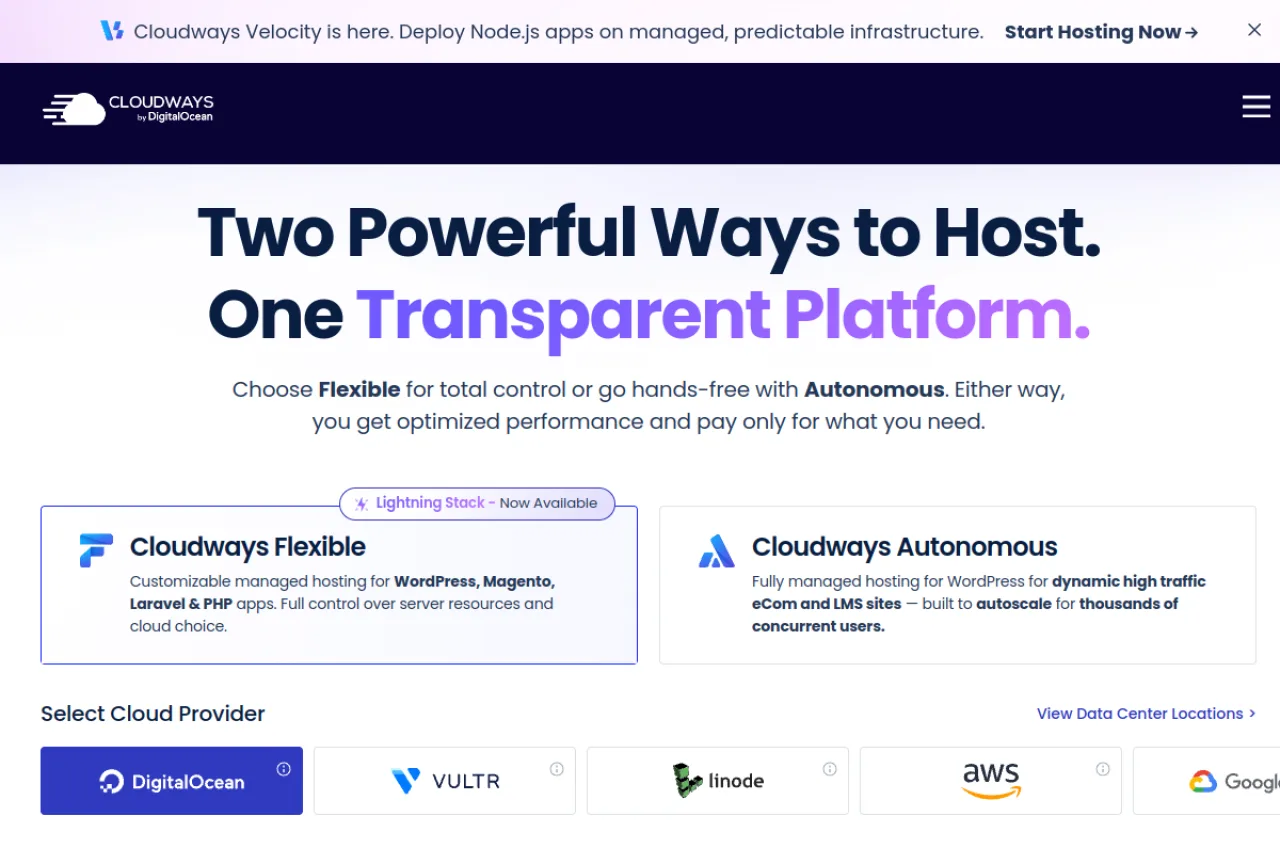
Cloudways runs a managed layer on cloud providers such as DigitalOcean, Vultr and AWS, and sets up the stack, caching and backups for you. On DigitalOcean Premium, the 1 GB Micro server with 25 GB NVMe costs $14/mo, and the 4 GB Medium server with 2 vCPU and 80 GB NVMe costs $54/mo.
Billing is hourly with no contract, so the intro rate doesn't jump at renewal, and there is a 3-day trial with no card. Free migration, Redis and staging are included, Object Cache Pro is free on 4 GB servers and up, and offsite backup storage costs $0.033/GB per server.
The catch is that Cloudways doesn't give you root access, so you work within its settings and cannot install whatever you want on the server.
Best for: You want staging, object caching, and backups set up for you and never plan to use the command line.
3. InMotion Hosting: cPanel and WHM included on managed plans
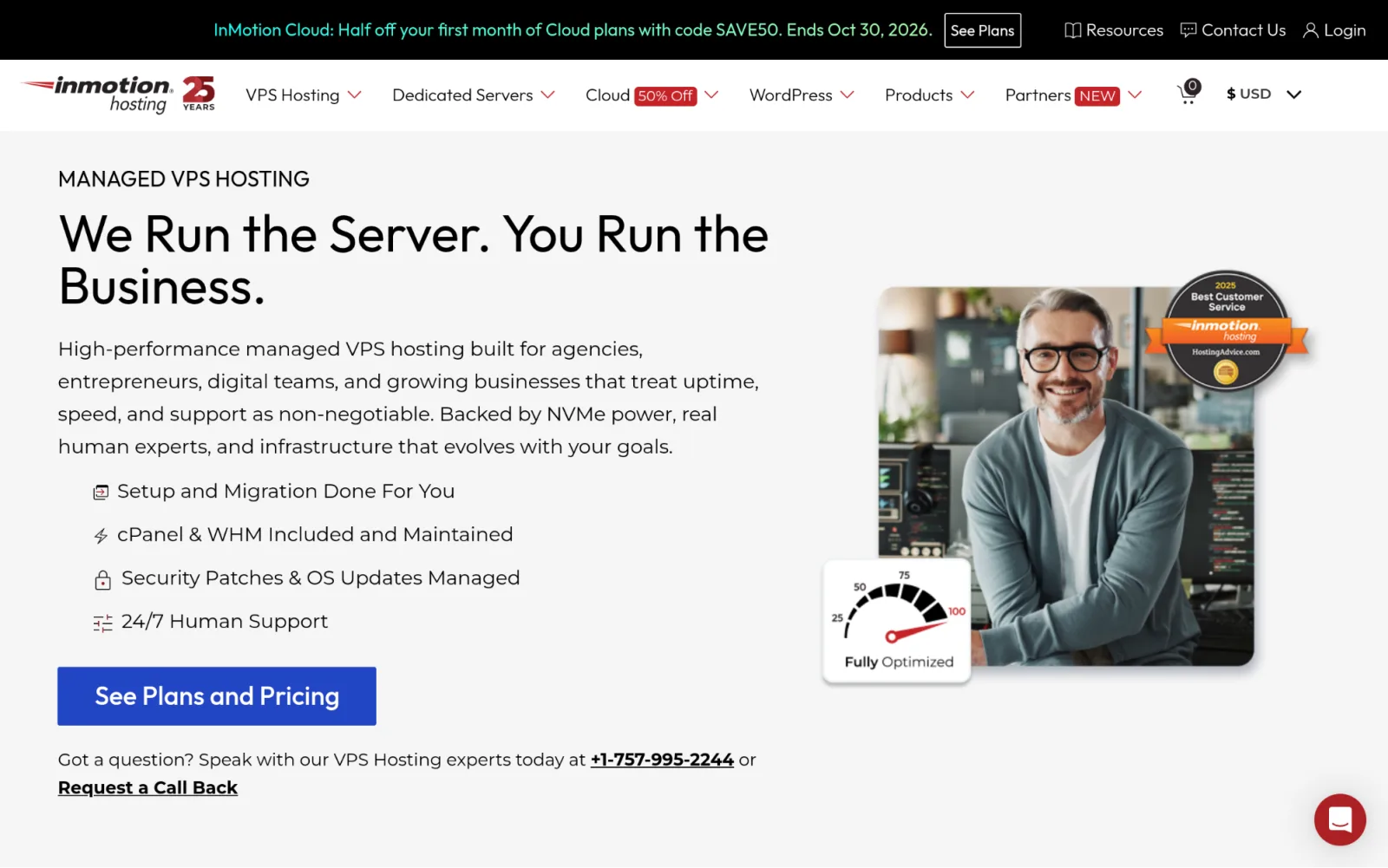
InMotion's managed VPS includes cPanel and WHM, daily backups, OS updates, security patches, migration help, and 24/7 support. You also retain root access so that you can manage your server beyond the control panel.
The entry managed plan has 4 vCPU cores, 8 GB RAM, 160 GB NVMe storage, 5 TB bandwidth, and two dedicated IPs. It costs $43.49 per month on a 24-month term, with $1,043.76 due upfront. Renewal costs $56.49 per month.
The main drawback is the upfront payment. You also have to pay for 8 GB RAM even if your site needs less.
Best for: You already use cPanel and want the provider to handle server maintenance and backups.
4. ScalaHosting: SPanel instead of a cPanel license
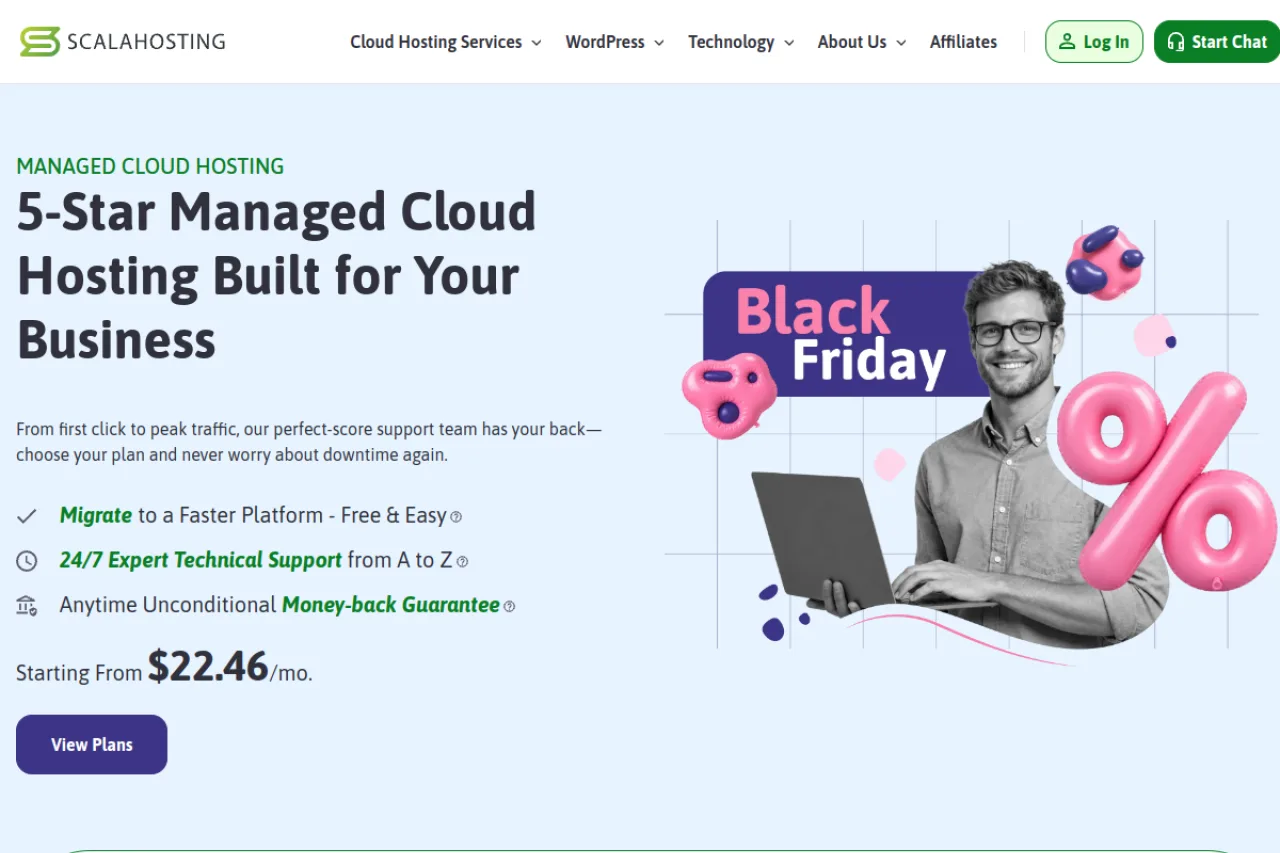
ScalaHosting includes SPanel with its managed VPS, so you can manage WordPress sites without buying a separate cPanel license. Plans also contain offsite backups, free migration, staging, cloning, and OpenLiteSpeed caching.
Build #1 has two CPU cores, 4 GB RAM, and 50 GB NVMe storage. The current 12-month offer costs $22.46/month, or $269.52 upfront, and renews at $54.95/month. cPanel costs extra if you prefer it.
The drawback is the steep renewal increase. The regular monthly rate is more than twice the promotional rate.
Best for: You manage several WordPress sites and want a managed server with its own control panel included.
5. Hostinger: lots of RAM if you prepay two years
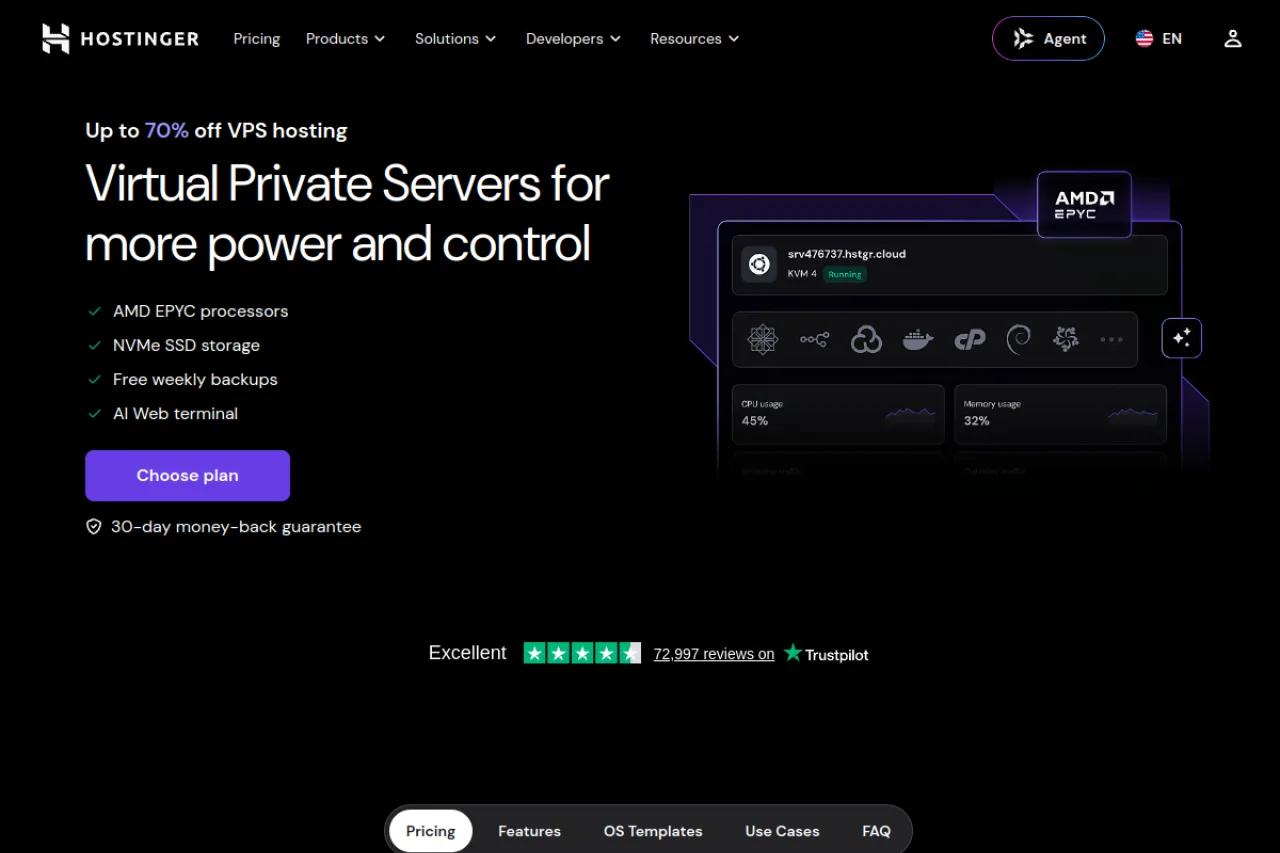
Hostinger's VPS plans use AMD EPYC processors and NVMe storage. You get root access, weekly backups, and templates for deploying WordPress and control panels without building every part of the setup from scratch.
KVM 1 includes one vCPU core, 4 GB RAM, 50 GB NVMe storage, and 4 TB bandwidth. The current offer costs $6.49 per month (Black Friday offer), with $155.76 paid upfront for 24 months. It renews at $11.99 per month for another 24-month term.
You manage the server yourself, including software updates and security. A paid cPanel license also adds to the cost.
Best for: You want 4 GB RAM at a low introductory price and are happy to pay two years upfront.
6. DigitalOcean: plain cloud servers you build yourself

DigitalOcean gives you per-second billing and a WordPress one-click app. You choose your resources and configure the server yourself, which makes it useful for developers who want control over their WordPress stack.
A Basic Droplet with 1 vCPU, 1 GiB RAM, and 25 GiB SSD storage costs $6 per month. The 4 GiB plan has two vCPUs, 80 GiB SSD storage, and 4,000 GiB transfer for $24 per month. Both have monthly billing caps.
Backups cost extra. Daily backups add 30% to the server price, taking the $24 plan to $31.20 per month before any control panel. You are also responsible for server maintenance.
Best for: You want clear infrastructure pricing, flexible server configuration, and a platform suited to scripted deployments.
7. OVHcloud: low monthly price for a self-run server
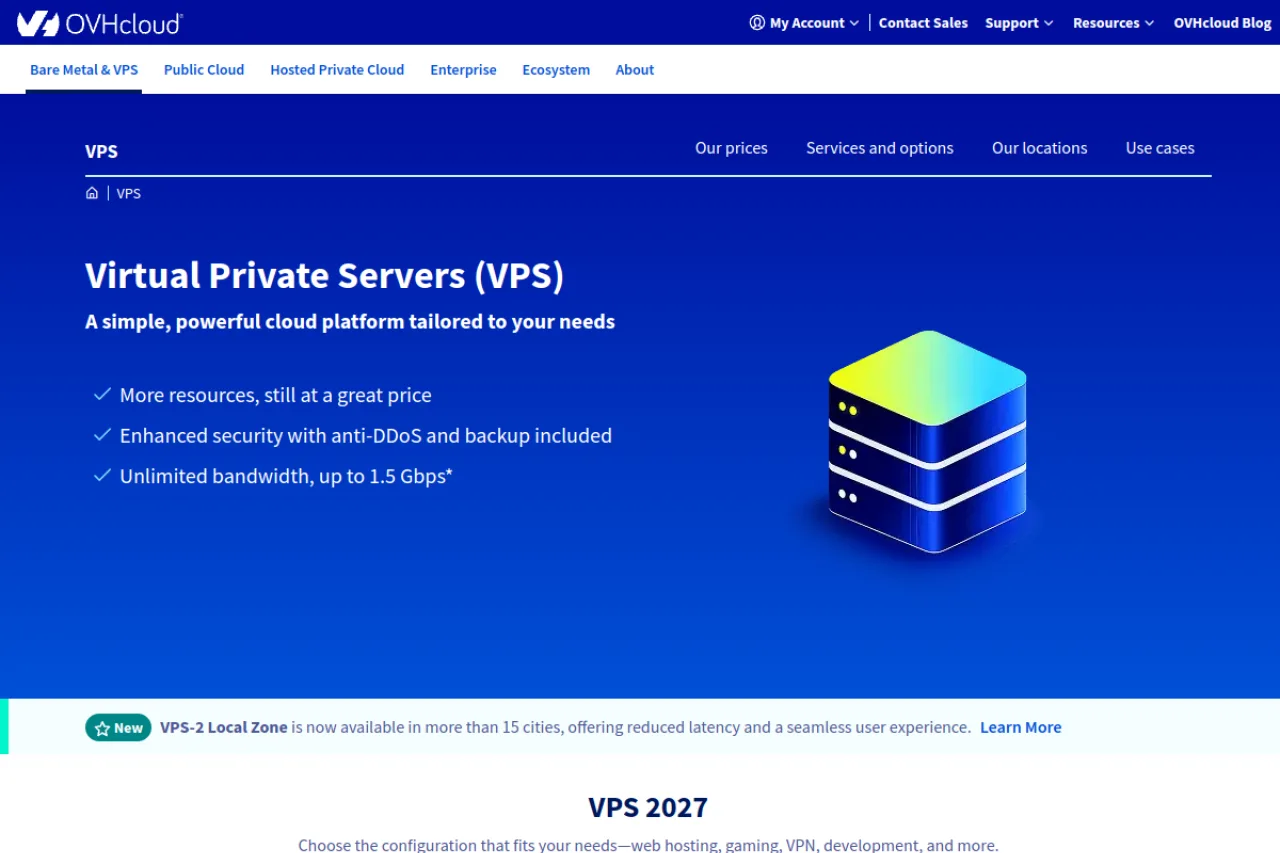
OVHcloud includes daily backups and unlimited traffic with its current VPS range. VPS 1 has two vCores, 4 GB RAM, 40 GB NVMe storage, and a 500 Mbps public connection. VPS 2 doubles the RAM and CPU resources, increases storage to 75 GB NVMe, and adds a 1 Gbps connection.
VPS 1 is advertised at $4.54 per month, while VPS 2 costs $8.50 per month. These prices apply to the new 2027 VPS lineup.
OVHcloud does not manage your WordPress installation. You handle software setup, updates, and server security yourself. cPanel and Plesk are available as separate options.
Best for: You want affordable server resources with daily backups and unlimited traffic included.
How much VPS does your WordPress site need?
| Site type | RAM | vCPU | BearHost plan | Monthly price |
|---|---|---|---|---|
| One blog or brochure site | 2 GB | 1 | VPS Cub | $5.49 |
| 5 to 10 small sites | 4 GB | 2 | VPS Bear | $9.49 |
| WooCommerce store | 8 GB | 4 | VPS Grizzly | $16.99 |
| Agency with 20 or more client sites | 16 GB | 6 | VPS Kodiak | $32.99 |
It depends on how much work your WordPress site is doing, more than just the visitor count. These are practical estimates. Ten lightly visited sites can use less memory than one busy WooCommerce store, so check your actual resource usage before upgrading, and leave room for the database, PHP workers, caching, and background tasks.
Control panels for WordPress on a VPS
If you choose an unmanaged VPS, you can configure the server through the command line or install a control panel. A panel gives you a dashboard for managing websites, databases, domains, and other server settings.
Here is what the main options cost. Note: panel fees are separate from the VPS unless your hosting plan specifically includes a license.
What the main control panels cost
| Panel | Price | What you get |
|---|---|---|
| cPanel | Solo $29.99/month for 1 account, Admin $35.99 for up to 5, Pro $53.99 for up to 30 | cPanel and WHM for managing hosting accounts |
| CyberPanel | Free, open source | OpenLiteSpeed, WordPress management, staging, and website tools |
| CloudPanel | Free Community Edition | NGINX, PHP, and database management through a web dashboard |
| RunCloud | From $9/month for 1 server | Server management, unlimited web applications, caching, and SSL tools |
| SpinupWP | $12/month for 1 server | WordPress-focused management, staging, and daily backups |
cPanel is the most common alternative, but its Solo license alone costs more than five times BearHost's $5.49 VPS Cub plan. Compare its features with other panels before adding another subscription to your hosting bill.
How to optimize a VPS for WordPress
- These settings help your server handle requests more efficiently and speed up your WordPress site.
Use a supported PHP and database version. PHP 8.4 or newer is a sensible choice for a new installation. Use a maintained database release, such as MySQL 8.4 LTS or MariaDB 10.11 or newer. WordPress also requires HTTPS. Check plugin and theme compatibility before upgrading.
Enable OPcache. OPcache keeps compiled PHP code in memory, so PHP doesn't have to compile the same files for every request.
Set up Redis object caching. When configured as a persistent object cache, Redis keeps reusable WordPress data in memory and reduces repeated database work. This can help WooCommerce and membership sites that generate many uncached requests.
Configure page caching. Serving a stored copy of a page reduces the work needed to generate it for each visitor. NGINX can use FastCGI caching, while OpenLiteSpeed works with the LiteSpeed Cache plugin. Choose a setup that matches your web server and avoid conflicting cache configurations.
Set sensible PHP worker limits. Each PHP worker uses memory. Configure the number of concurrent workers to fit your available RAM while leaving enough for the database and other services. Too many workers can exhaust memory, while too few can leave requests waiting during busy periods.
How to move WordPress from shared hosting to a VPS
- Notify your site users ahead of the migration, and then do these:
1. Lower your DNS TTL. About a week before the move, reduce the TTL for your domain's DNS records to around 300 seconds (5 minutes), if your DNS provider allows it. This helps DNS changes take effect sooner.
2. Back up your website. Export the WordPress database and download your website files. Keep a separate copy of both backups so you can recover if the migration goes wrong.
3. Prepare the VPS. Install your control panel or web server stack, create a database, configure a supported PHP version, and secure SSH access. Set up the firewall and any required services before moving the live site.
4. Copy the website. Use a migration plugin or transfer the files over SFTP and import the database. Update wp-config.php with the new database credentials if they have changed.
5. Test before changing DNS. Use a temporary staging URL or your computer's hosts file to access the new server. Check important pages, images, forms, WordPress admin access, and a test checkout if you run WooCommerce.
6. Configure email and SSL. Set up SMTP for WordPress emails and issue an SSL certificate once the domain points to the new server. Test HTTPS, contact forms, and order notifications. If your email is hosted elsewhere, keep its existing mail records unless you intend to move that service too.
7. Switch DNS and monitor the site. Point the domain's A record to the new VPS. Check the site, server logs, and traffic on both servers while DNS updates propagate. Keep the old hosting account until visitors are reaching the new server and the site works as expected.
- BearHost includes free migration with its managed VPS service, so the team can handle the transfer for you. If you are weighing up other providers beyond WordPress, our best VPS hosting comparison covers general-purpose servers, and UK readers can see our best VPS for WordPress in the UK guide.
Frequently Asked Questions
Conclusion
The right VPS depends on your workload and how much server administration you want to handle. Cloudways, InMotion Hosting, and ScalaHosting offer managed environments, with Cloudways focused on its WordPress platform, InMotion including cPanel and WHM, and ScalaHosting providing SPanel. Hostinger offers affordable RAM with a two-year commitment, DigitalOcean gives developers flexible infrastructure, and OVHcloud includes daily backups and unlimited traffic with its current VPS range. BearHost VPS starts at $5.49 per month, with the same price at monthly renewal and full root access. You can manage the server yourself or choose a managed VPS with security patching, daily offsite backups, and free migration. Ready to move WordPress to a VPS? Start with BearHost VPS hosting.